Wired doorbells are best for reliability; battery models win for easy install and flexibility.
You want the facts, not fluff. I install and test smart doorbells for a living, and I’ve lived with both styles at home. This guide breaks down Wired doorbell camera vs battery doorbell camera with clear, real-world advice. You will learn how they work, what they cost, and who each type fits best. Stick with me and you will feel ready to pick the right video doorbell with zero regret.

Wired doorbell camera vs battery doorbell camera: what really matters
Choosing a doorbell is about power, speed, and ease. Here is the core of the choice in simple terms.
- Need the most reliable alerts and steady video? Wired wins.
- Need a fast, no-drill install or you rent? Battery wins.
- Want 24/7 recording or pre-roll clips? Wired is better.
- Want placement freedom or odd door frames? Battery is flexible.
- Live in harsh cold or hot heat? Wired is more stable.
I will use the phrase Wired doorbell camera vs battery doorbell camera often, because that is the exact choice most buyers face. By the end, you will know what fits your life.
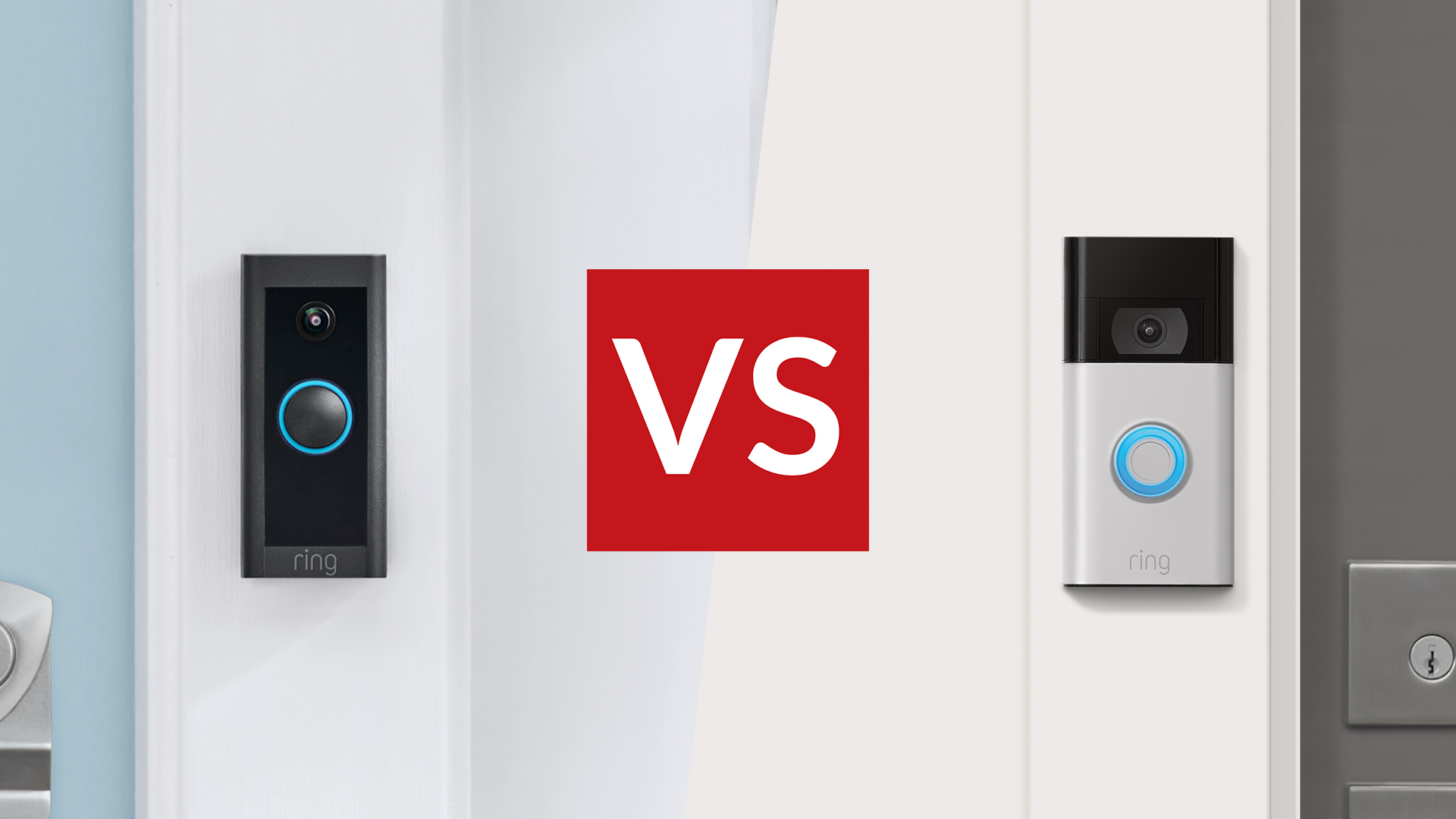
How each doorbell camera works
A wired doorbell pulls low-voltage power from a doorbell transformer. Most homes have 16 to 24 VAC. Many cameras include a power kit for your chime box. Some use PoE with Ethernet for rock-solid power and data. This lets the camera run features all day without a battery. It can record more, process more, and wake with almost no lag.
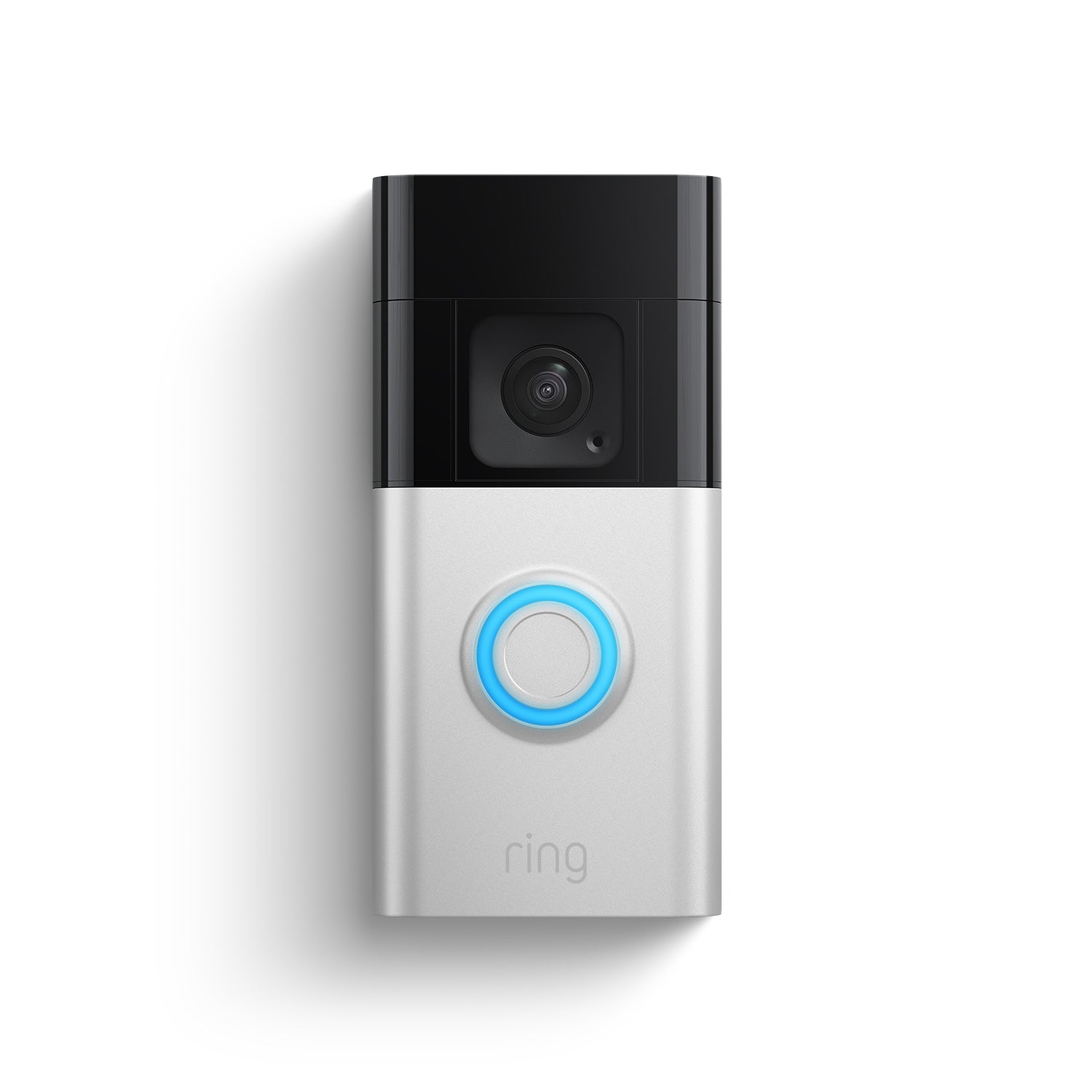
A battery doorbell camera uses a built-in lithium battery pack. You charge it with a cable or swap packs. Some brands offer small solar panels for trickle charge. The camera sleeps to save power and wakes on motion or button press. It needs strong Wi‑Fi. The mount is simple and works for renters.
Both types connect to your app and your Wi‑Fi. Both offer motion alerts, person detection, and two-way talk. The difference is power and uptime, which changes how they behave day to day. This deep look at Wired doorbell camera vs battery doorbell camera will show those trade-offs.
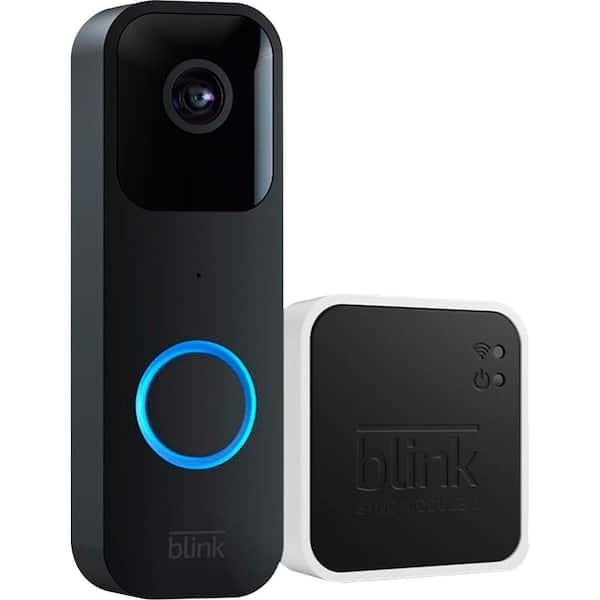
Pros and cons of a wired doorbell camera
Pros:
- Always powered. No downtime to charge.
- Faster alerts and wake time.
- Better for pre-roll and rich HDR video.
- Works well in heat and cold.
- Can support 24/7 recording with a plan.
Cons:
- Needs a working transformer and chime.
- Install can take an hour or more.
- Older homes may need a new 16–24 VAC, 30 VA transformer.
- Not ideal for renters.
From my installs, wired units feel “set and forget.” The doorbell just works. Clients love the fast push alerts and smooth clips. If reliability is your top need, the wired route shines. This is a key point in the Wired doorbell camera vs battery doorbell camera debate.

Pros and cons of a battery doorbell camera
Pros:
- Easy install. No wiring at all.
- Great for renters or brick walls.
- Flexible placement and angle.
- Works even if your old chime is broken or missing.
Cons:
- Needs charging every 1 to 6 months, based on motion.
- Cold weather drains batteries fast.
- Wake delay can miss the first second of an event.
- 24/7 recording is rare on battery models.
I have used battery models on rental jobs. The setup takes minutes. Clients with metal frames or odd door trim also like the flexible mount. For many people, this is the top reason to pick battery in a Wired doorbell camera vs battery doorbell camera choice.
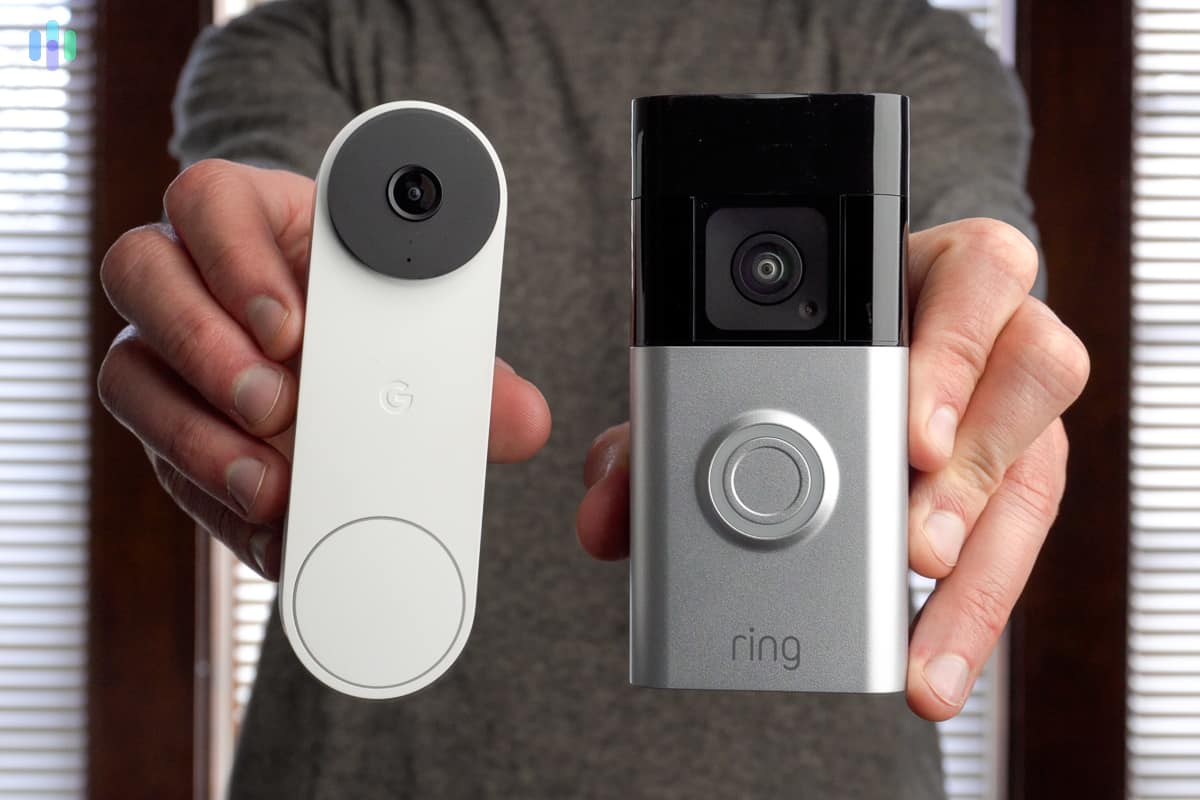
Video, audio, and alerts: who is faster and clearer
Wired cameras have the edge in speed. They can keep cores awake, so motion capture starts fast. Many wired units offer pre-roll. That means you see a few seconds before the event begins. Wired units also tend to push higher bitrates and steadier HDR.
Battery models are better than before, but they still manage power. They often wake on motion, then stream. That can add 1 to 2 seconds of delay. In busy areas, that delay can matter. For clear faces and package proof, I lean wired. These points sit at the heart of Wired doorbell camera vs battery doorbell camera.
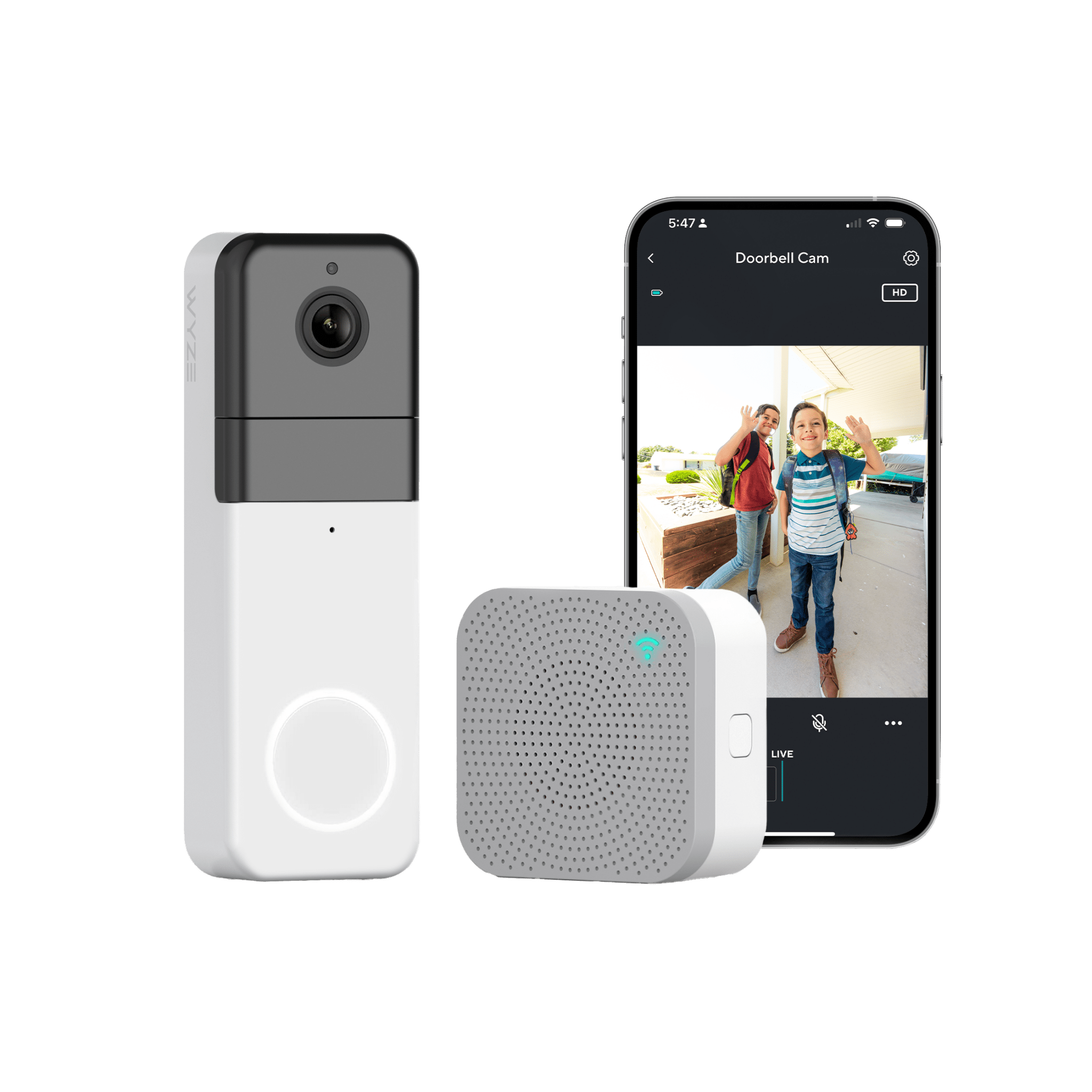
Installation steps and maintenance tips
Wired doorbell camera
- Check your transformer. Aim for 16–24 VAC and at least 30 VA.
- Turn off power to the chime and transformer at the breaker.
- Mount the doorbell. Use a wedge to angle toward faces, not the street.
- Connect the two doorbell wires to the camera terminals.
- Install the power kit at the chime if the brand requires it.
- Restore power. Test the app, chime, and motion zones.
Maintenance tips:
- Update firmware.
- Clean the lens every few months.
- If alerts drop, check the transformer and Wi‑Fi.
Battery doorbell camera
- Charge the battery to 100%.
- Mount the plate with screws or no-drill adhesive if allowed.
- Slide the doorbell onto the mount. Lock it with the security screw.
- Connect to Wi‑Fi in the app and set motion zones.
- Consider a solar trickle panel if you get good sun.
Maintenance tips:
- Keep a spare battery for quick swaps.
- Use activity zones to cut false alerts and save power.
- In winter, plan more frequent charging.
These simple steps reflect real jobs I do each week. They also show why install skill can sway Wired doorbell camera vs battery doorbell camera decisions.
Total cost of ownership
Upfront device cost:
- Wired: about 150 to 350 dollars.
- Battery: about 100 to 300 dollars.
Possible install costs:
- Wired: 0 to 200 dollars if you need pro help or a new transformer.
- Battery: usually 0 dollars unless you buy a solar panel or extra battery.
Ongoing costs:
- Cloud plans: about 3 to 15 dollars per month per doorbell, more for 24/7 recording.
- Battery wear over years: plan for replacements after 2 to 4 years, based on use.
Two-year sample:
- Wired with cloud plan: device 250 + install 100 + plan 120 = about 470 dollars.
- Battery with plan and spare battery: device 200 + spare 40 + plan 120 = about 360 dollars.
Costs vary by brand. Still, this shows the money side of Wired doorbell camera vs battery doorbell camera in plain terms.

Privacy and security considerations
You should protect your front door video like any other private data.
- Use two-factor auth for your account.
- Turn on encryption. Most major brands encrypt at rest and in transit.
- Set motion zones and privacy zones to avoid filming neighbors.
- Limit clip retention to what you need.
- If you can, use local storage on a hub or microSD for extra control.
- Keep firmware current to patch security flaws.
Battery or wired, the habits above matter most. Good setup beats raw specs in many cases. This is often missed in Wired doorbell camera vs battery doorbell camera debates.
Real-world picks and scenarios
- You own your home and want the most stable setup. Choose wired.
- You rent, or drilling is a pain. Choose battery.
- You have harsh winters or long heat waves. Choose wired.
- Your porch is busy and you need fast alerts and pre-roll. Choose wired.
- Your porch is quiet and you value fast setup. Choose battery.
- Your old chime is broken or you have no wiring. Choose battery or wired with a plug-in power adapter.
I have seen all of these play out in homes. The right choice is the one that fits your space and your habits. Think about your door traffic, climate, and Wi‑Fi. Then weigh Wired doorbell camera vs battery doorbell camera for your case.
Mistakes to avoid and pro tips
- Do not mount too high. Aim for 48 to 52 inches from the ground.
- Do not face straight into the street. Angle toward the walkway.
- Do not skip the transformer check on wired. Undersized power causes missed rings.
- Do not ignore Wi‑Fi. Use 2.4 GHz for reach or add a mesh node near the door.
- Do not leave default motion zones. Fine-tune to cut false alerts.
- Do not forget cold weather. Battery life can drop fast below freezing.
Pro tips:
- Add a wedge kit to frame faces and packages.
- Use rich notifications with a snapshot. You will triage alerts faster.
- Enable package or person detection if your plan includes it.
- For battery models, keep a charged spare. Swap in seconds and avoid gaps.
These small steps make a big difference in real use. They also balance the weak spots in Wired doorbell camera vs battery doorbell camera setups.
Quick buying checklist
- Power: Do you have a 16–24 VAC transformer or none at all?
- Home type: Owner or renter?
- Climate: Will heat or cold stress a battery?
- Traffic: Busy sidewalk or quiet cul-de-sac?
- Internet: Strong Wi‑Fi at the door?
- Features: Pre-roll, HDR, color night vision, 24/7 recording, local storage.
- Budget: Upfront cost plus plan cost per year.
- Privacy: Zones, encryption, and two-factor auth.
Check these boxes, then pick. Your answer to Wired doorbell camera vs battery doorbell camera will feel clear.
Frequently Asked Questions of Wired doorbell camera vs battery doorbell camera
Which lasts longer, wired or battery?
Wired lasts longer because it has constant power. Battery models can run months, but you must recharge or swap batteries.
Is video quality better on wired models?
Often yes. Wired units can push higher bitrates and use pre-roll. Battery models may lower quality to save power.
Can I install a wired doorbell without an existing chime?
Yes. You can use a plug-in power adapter or PoE if supported. This skips the chime and gives stable power.
Do battery doorbells work in winter?
They work, but battery life drops in cold weather. Expect more frequent charging below freezing.
Will either work during a power outage?
Battery doorbells will work until the battery runs out. Wired doorbells stop unless you have backup power for the network and transformer.
Are subscriptions required?
No, but plans unlock features like longer clip storage, smart alerts, or 24/7 recording. Decide based on your needs and budget.
Can I use both wired and battery in the same home?
Yes. Many apps support mixed devices. Pick what fits each door or gate.
Conclusion
Both choices can protect your home. Wired offers fast alerts, steady video, and no charging. Battery offers easy install and flexible placement. Match the doorbell to your space, climate, and habits, and you will be happy for years.
Take one next step today. Check your transformer or your Wi‑Fi signal at the door. Then choose the model that fits your checklist. If this helped, subscribe for more smart home guides or drop your questions in the comments.