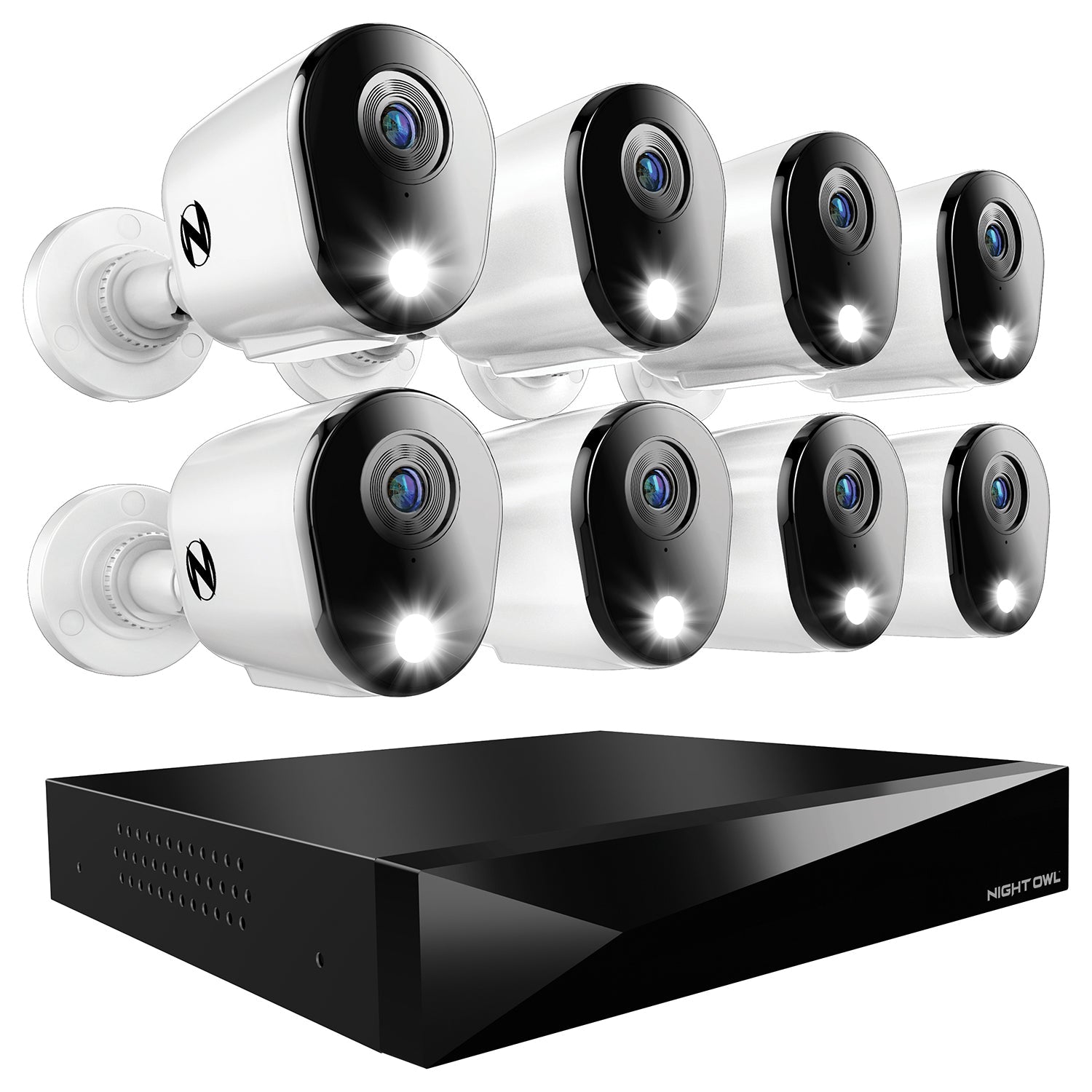
Security Camera Installation Process and Buying Guide
Cctv Hard Drive for Dvr System: Ultimate Guide to Reliable Storage
When you set up a CCTV system, one important part is the hard drive. The hard drive stores all the videos your cameras record. Without a good hard drive, your DVR system might not work well. In this article, we will explain everything about CCTV hard drives for DVR systems. You may see dvr system difference.
What Is a DVR System?
DVR means Digital Video Recorder. It is a device that records video from CCTV cameras. The DVR saves video files on the hard drive. You can watch these videos later if you need to. DVR systems are common in homes and businesses for security.
Why Do You Need a CCTV Hard Drive?
The hard drive is like a big memory box. It keeps all the videos safe for a long time. Without the hard drive, the DVR cannot save any video. The quality and size of the hard drive decide how much video you can keep.
Types of Hard Drives for CCTV DVR
Not all hard drives are good for CCTV systems. There are special hard drives made for video recording. The main types are:
Standard Desktop Hard Drives: Used in computers. Not best for CCTV. They can fail faster.
Surveillance Hard Drives: Made for CCTV systems. They work 24/7 and last longer.
NAS Hard Drives: Designed for network storage. Good for bigger CCTV setups.
Key Features to Look for in CCTV Hard Drives
When you buy a hard drive for your DVR, check these things:
Feature
Why It Matters
Storage Capacity
More space means more videos saved.
Reliability
Hard drives must work non-stop without breaking.
Speed
Faster speed helps save and play videos smoothly.
Power Consumption
Lower power use helps save electricity and reduce heat.
Compatibility
Must work well with your DVR system.
How Much Storage Do You Need?
The size of the hard drive depends on many things:
Number of CCTV cameras.
Video quality (HD or SD).
How many days of video you want to save.
Whether you record 24/7 or only at some times.
For example, if you have four cameras recording HD video all day, you may need at least 2TB of storage. If you want to keep videos for many days, choose a bigger hard drive.
Credit: nightowlsp.com
Why Not Use a Regular Computer Hard Drive?
You might think any hard drive works.
But regular hard drives are not made to record video all day.
They can stop working after a short time.
Surveillance hard drives are built to run 24 hours every day.
They handle many video streams at once.
This makes them more reliable for CCTV systems.
How to Install a Hard Drive in Your DVR
Installing a hard drive is not hard.
Here are simple steps:
Turn off your DVR and unplug it.
Open the DVR case carefully.
Find the hard drive slot or bay.
Connect the hard drive with the power and data cables.
Secure the hard drive with screws if needed.
Close the DVR case.
Plug in and turn on your DVR.
Go to DVR settings to format and set up the hard drive.
Tips to Take Care of Your CCTV Hard Drive
To keep your hard drive working well, follow these tips:
Keep the DVR in a cool, dry place.
Do not move or shake the DVR when it is on.
Check hard drive health regularly in DVR settings.
Use a surge protector to avoid power damage.
Replace the hard drive if it shows errors or slow speed.
Credit: www.amazon.com
Signs You Need a New Hard Drive
Sometimes hard drives fail. Watch for these signs:
Videos stop recording or have errors.
DVR says “hard drive not found” or similar messages.
Unusual noises like clicking or grinding from DVR.
Very slow playback or video freezing.
If you see these signs, replace the hard drive soon.
This keeps your CCTV system working well.
Summary
A CCTV hard drive is a key part of your DVR system.
It stores all the video your cameras record.
Choose a surveillance hard drive for best results.
Look for good storage, reliability, and speed.
Install it carefully and take good care of it.
Replace it when it stops working well.
This will help your security system stay strong.
Remember, the hard drive is the heart of video recording.
Without it, your CCTV will not save important footage.
Frequently Asked Questions
What Size Hard Drive Is Best For Cctv Dvr Systems?
A 1TB to 4TB hard drive is ideal for most CCTV DVR setups.
How Long Can Cctv Footage Be Stored On A Dvr Hard Drive?
Storage time depends on hard drive size and recording quality settings.
Can I Use A Regular Hard Drive For Cctv Dvr?
No, CCTV DVRs need surveillance-grade hard drives for reliable performance.
Why Choose A Surveillance Hard Drive Over A Regular One?
Surveillance drives handle continuous recording and operate 24/7 without failure.