Reolink wins on price and ease; Lorex leads in pro-grade, local 24/7 systems.
If you are choosing between Reolink vs Lorex security camera systems, this guide is for you. I have set up both at homes and small businesses for years. I will compare the two across video, AI, storage, apps, and costs. You will see where each brand shines, where they fall short, and which one fits your needs.

Who each brand is best for
Both brands make strong cameras. But they aim at slightly different users. Here is the simple way I explain Reolink vs Lorex security camera choices to clients.
Choose Reolink if:
- You want lower cost without losing core quality.
- You prefer quick DIY setup with clear apps.
- You want flexible options like PoE, WiFi, or battery.
- You like microSD in-camera storage or an NVR.
- You want ONVIF and RTSP for third-party use.
Choose Lorex if:
- You want a solid, local, 24/7 NVR system.
- You want robust metal housings and pro features.
- You plan a fixed, wired install for a business or large home.
- You want strong deterrence lights and sirens on many models.
- You do not want monthly cloud fees.
I have seen both hold up in heat, rain, and dust. The right pick depends on your layout, budget, and how hands-on you want to be with setup and tuning.

Key differences at a glance
When people ask about Reolink vs Lorex security camera differences, these points matter most.
- Video quality
- Both offer 4K options. Reolink also sells 12MP on select models. Frame rate varies by model, so check specs.
- AI detection
- Reolink A-series often includes person and vehicle detection. Some newer models add pet or package alerts.
- Lorex ships person and vehicle detection on many 4K AI models. Features vary by line.
- Night vision
- Both offer IR night vision and color night vision with spotlights. The size of the sensor and lens quality still matter most.
- Storage
- Reolink supports microSD in many cameras, plus NVRs. Reolink Cloud works on select WiFi models and regions.
- Lorex focuses on local NVR recording. Cloud options are limited or not offered on many systems.
- Smart home
- Both support Google Assistant and Alexa for live view on select devices. HomeKit is not supported.
- Price and value
- Reolink is usually more affordable for similar specs. It is a strong value for DIY users.
- Lorex often costs more, but leans into pro wiring, durable builds, and local-first design.
- Warranty and support
- Reolink typically offers a 2-year warranty.
- Lorex typically offers a 1-year warranty with options to extend when buying direct.
- Third-party use
- Reolink widely supports ONVIF and RTSP. Great for Blue Iris or NAS users.
- Lorex support varies. Some IP models work with ONVIF, but check the exact SKU.
Installation and setup experience
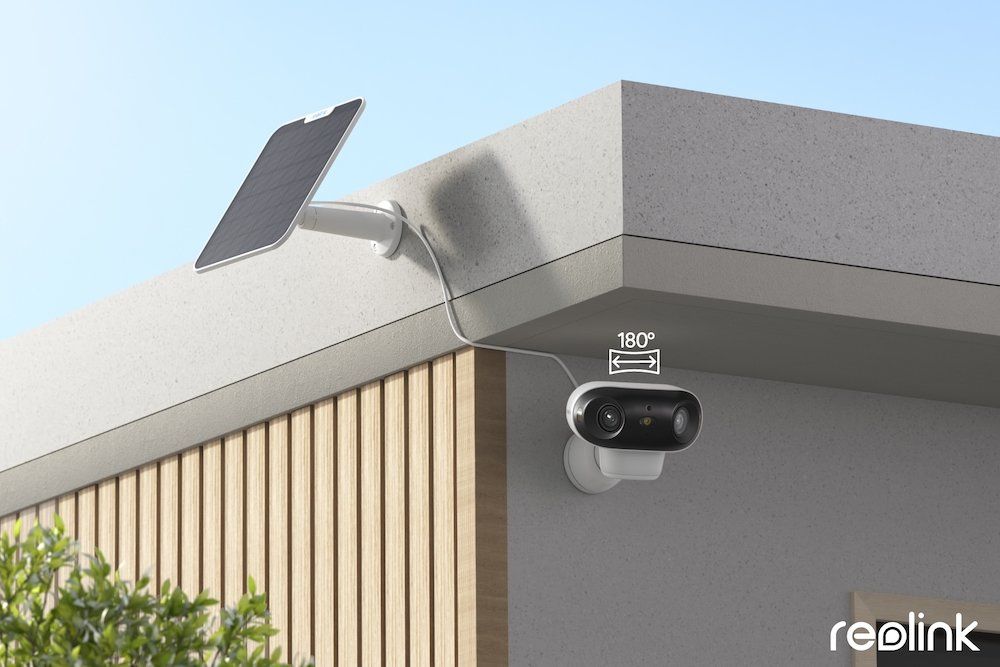
I have installed many Reolink PoE kits for families who wanted fast, clean installs. The NVRs and PoE cams use color-coded ports. The app walks you through scanning QR codes. It is beginner-friendly and fast.
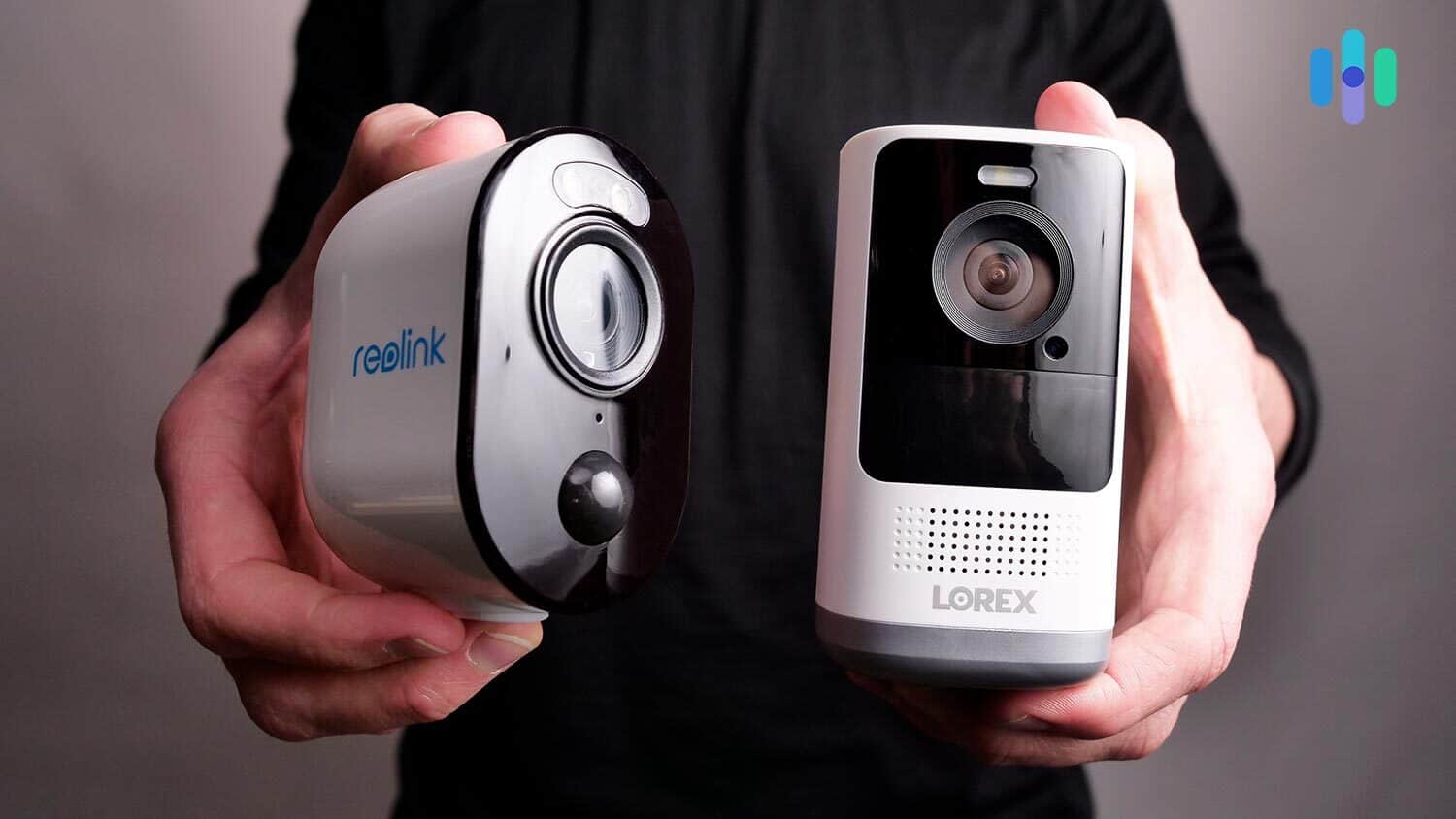
Lorex installs feel more “pro.” The wiring is neat, the metal housings feel rugged, and the NVRs are quiet but serious. Setup is smooth with the current app, but you will likely spend more time on mounting, aiming, and tuning. That said, once a Lorex system is dialed in, it tends to run for years with little care.
Tips from the field:
- Label cables at both ends before ceiling runs.
- Bring a portable monitor or use the mobile app for aiming.
- Lock in focus on varifocal lenses during the day to avoid soft night images.
- Use weatherproof junction boxes for clean terminations.
App experience and alerts
The Reolink app is simple and fast. Timeline scrubbing is smooth. You can set zones, sensitivity, and schedules. Push alerts with thumbnails help you filter noise. The desktop client is strong for multi-cam views.
The Lorex app has improved, but the feel depends on your model line. Once set, it is stable. You can fine-tune detection, zones, and deterrence lights and sirens on supported cams. Remote playback through the NVR is solid if your upload speed is good.
What I tell clients comparing Reolink vs Lorex security camera apps:
- Reolink is easier for first-time users.
- Lorex can take more steps, but it pairs well with larger NVR systems.
- For either brand, set motion zones by doorways, not on roads. This cuts false alerts.

Video and night performance tests
Day tests:
- Both brands deliver sharp 4K video in good light.
- The lens and sensor matter more than the logo. Spend a bit more for better optics.
Night tests:
- Reolink IR night footage is clean in most spaces. Color night vision with spotlights helps IDs close to the camera.
- Lorex is strong in low light. Many models include bright deterrence lights. These give color at night and help with face IDs near doors.
Real-world notes:
- Headlights and street lights can wash out plates. Angle cameras to the side of driveways.
- Mount at 8 to 10 feet high. Too high hurts face detail. Too low invites tampering.
- Use varifocal where you need plate reads. Fixed 2.8 mm lenses give a wide scene but weak plate detail beyond 25 to 30 feet.
Storage, bandwidth, and network planning
Storage is the heart of any Reolink vs Lorex security camera setup.
Local storage options:
- MicroSD card in-camera is simple. It is great for spot cameras or renters.
- NVR gives 24/7 recording, better retention, and one place to search.
Cloud:
- Reolink offers cloud on select WiFi models and in select regions. It is handy for event clips if you do not want a recorder.
- Lorex is local-first. If you need cloud, confirm support before you buy.
Bandwidth planning:
- 4K at high bitrates eats upload speed. Expect 4 to 8 Mbps per camera for remote HD viewing.
- Use substreams for phones. It cuts mobile data use and speeds up playback.
- Use Cat6 for PoE runs over long distances. Keep cable runs under 300 feet.
Retention math example:
- Eight 4K cams at 8 Mbps, 24/7, need large drives.
- Plan on a multi-terabyte HDD in the NVR.
- If you only record motion, you may triple your retention time.
Cost of ownership and model picks
Price is often the swing factor in Reolink vs Lorex security camera decisions.
Typical budgets I see:
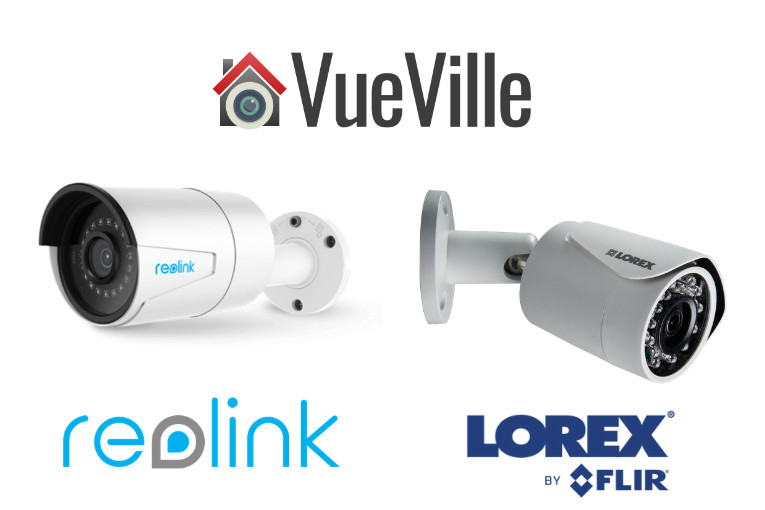
- Reolink PoE 4K kit (8 cams with NVR): Lower total cost. Good value for homes.
- Lorex PoE 4K kit (8 cams with NVR): Higher cost. Strong for long-term, local-only setups.
Good places to start:
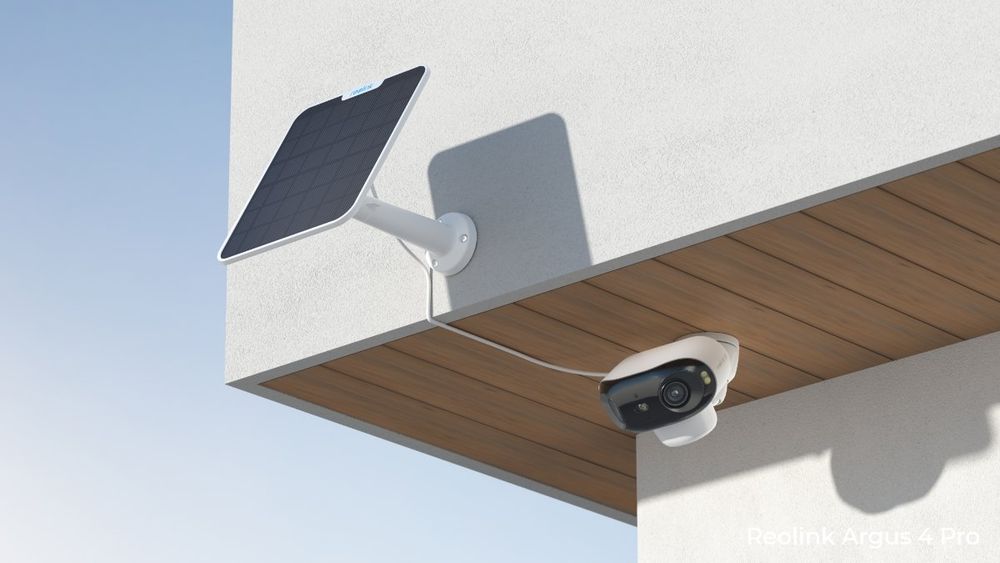
- Reolink: 4K PoE “A” series for AI person/vehicle, TrackMix for auto-zoom tracking, Duo for wide views, Argus for battery installs.
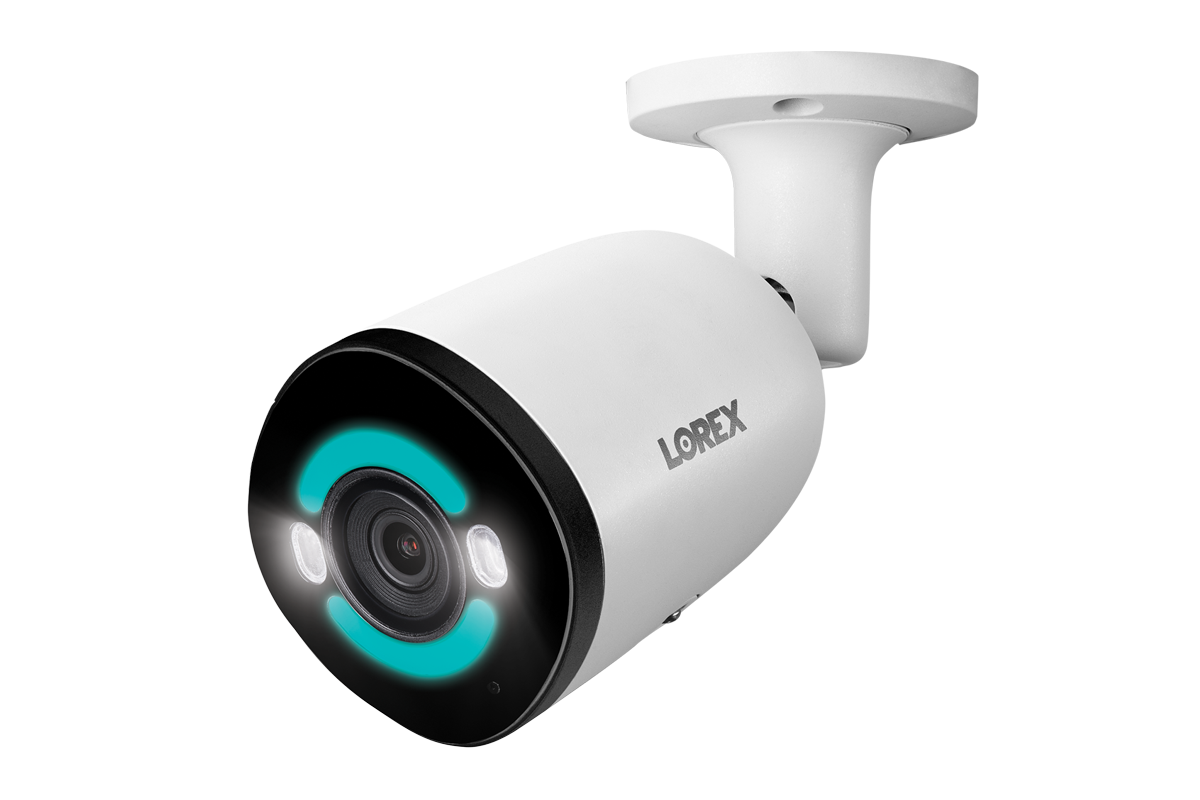
- Lorex: 4K AI deterrence bullets and turrets, Fusion NVRs that join wired and WiFi cams in one system.
Hidden costs to plan for:
- Larger HDDs for 24/7 recording.
- Junction boxes, mounts, and longer PoE cables.
- Surge protection and UPS for the NVR.
Privacy and security notes
Security starts with controlling your own footage. With Reolink vs Lorex security camera systems, local storage is your safest bet. Your video stays on your NVR or SD card at home.
What I do on every install:
- Change default passwords on day one.
- Update firmware twice a year.
- Disable unused P2P or UPnP features.
- Put cameras and NVR on a VLAN if you can.
- If you use cloud, use strong, unique passwords and 2FA.
Both brands offer encrypted connections in their apps. Both use peer-to-peer for easy remote access. Read the data policy for your exact model. Features differ by region and firmware.
Use-case playbook
When people ask me about Reolink vs Lorex security camera setups, I match the plan to the site.
For apartments and renters:
- Reolink WiFi or battery cams with SD cards.
- No drilling through walls. Move them when you move.
For single-family homes:
- Reolink 4K PoE for budget builds. Strong value and simple tools.
- Lorex 4K AI kits for local-only fans and longer retention.
For small businesses:
- Lorex NVR with AI deterrence cams on entries and lots.
- Reolink works too, but I lean Lorex if the client wants no cloud at all and a heavier housing.
For rural sites:
- Reolink battery or solar cams with SD cards on gates and barns.
- Use PoE where you have power and conduit.
Pros and cons
Reolink pros:
- Lower price for solid video and AI.
- Easy app and setup. Good for first-time users.
- ONVIF and RTSP support across many models.
- Wide range: PoE, WiFi, battery, dual-lens.
Reolink cons:
- Cloud works on select models and regions only.
- Some models have lower frame rates at 4K.
- Build materials vary by price tier.
Lorex pros:
- Strong local-first NVR systems.
- Rugged housings on many cams.
- Bright deterrence lights and sirens on many models.
- Great for long-term 24/7 recording.
Lorex cons:
- Higher upfront cost.
- Cloud options are limited on many lines.
- App experience can vary by generation.
Frequently Asked Questions of Reolink vs Lorex security camera
Which is better for beginners, Reolink or Lorex?
Reolink is easier for DIY users. The app and setup steps are simpler, and costs are lower.
Do both brands support Google Assistant and Alexa?
Yes, many models from both brands support live view on Google Assistant and Alexa. Features vary by camera and recorder.
Which brand is better for 24/7 recording?
Lorex leans into local NVR recording and long retention. Reolink can do 24/7 as well, but Lorex often wins for pro-grade setups.
Can I use these cameras with Blue Iris or a NAS?
Reolink widely supports ONVIF and RTSP, which helps with Blue Iris and NAS. Lorex support varies by model, so check specs before buying.
Are there monthly fees?
Reolink Cloud is optional on select WiFi models. Lorex focuses on local storage, with few or no cloud plans on many systems.
Which offers better night vision?
Both do well with IR and color night vision. Lens, sensor, and spotlight strength affect results more than the brand name.
What about warranty?
Reolink typically offers a 2-year warranty. Lorex typically offers a 1-year warranty, with options to extend when buying direct.
Conclusion
Reolink vs Lorex security camera decisions come down to your goals. Reolink is the best fit for budget-friendly, flexible, and DIY installs. Lorex is ideal for long-term, local-first NVR systems with a pro feel. Both produce clear video, smart detection, and strong night views when placed well.
If you want fast setup and strong value, lean Reolink. If you want a “set it and forget it” wired system for 24/7 capture, lean Lorex. Map your needs, test one camera first, and grow your system with confidence. Ready to choose? Explore trusted retailers, compare exact model specs, and leave a comment with your layout for tailored advice.