Cloud storage scales and syncs; SD cards are fast, local, and one-time cost.
If you feel stuck choosing storage for photos, videos, or work files, you are not alone. I’ve helped teams, creators, and families decide between Cloud storage vs SD card storage for years. This guide breaks down the trade-offs in plain language. Read on to see which choice fits your budget, your speed needs, and your peace of mind.
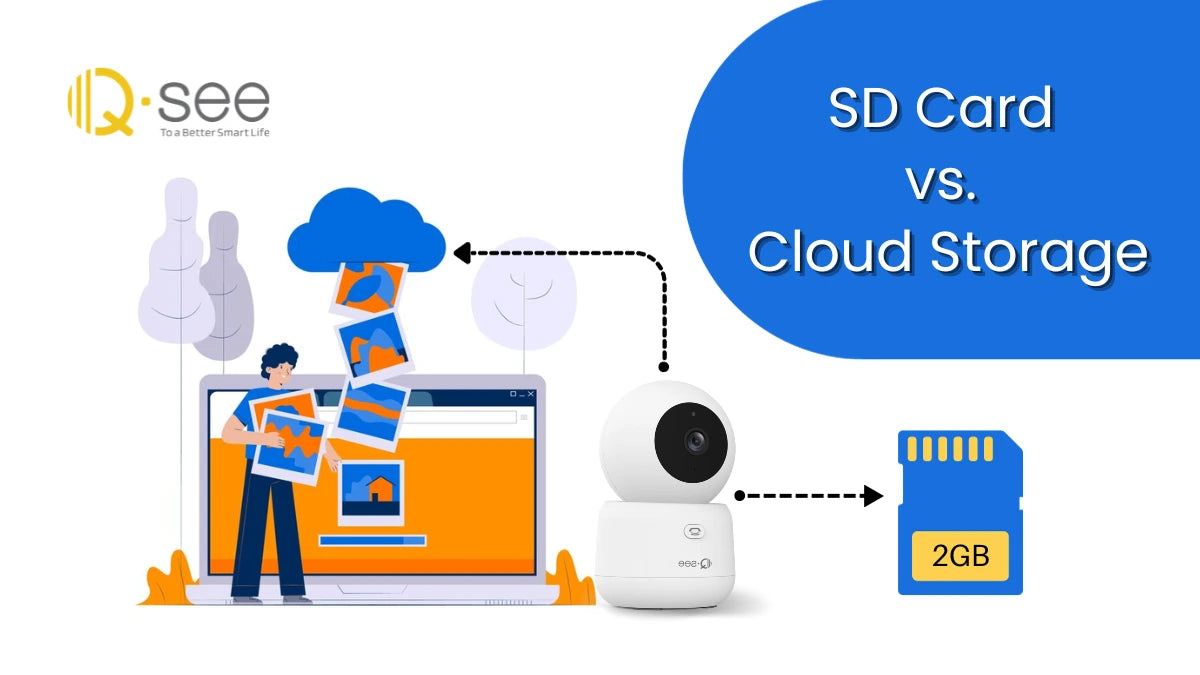
What is cloud storage?
Cloud storage keeps your files on remote servers. You reach them through the internet. Your files sync across your phone, laptop, and tablet. You can share with a link in seconds.
It shines when you need access anywhere. Backups run in the background. You can roll back to older versions if you make a mistake. Team work is smooth.
From my own work, cloud storage saved a client shoot. My laptop died after a set. The photos were already syncing. I grabbed another device and kept going.
- Pros: Access anywhere, easy sharing, version history, off-site backups.
- Cons: Needs internet, ongoing fees, account security must be strong, large uploads can be slow.
What is SD card storage?
An SD card is a tiny chip for local storage. It fits in cameras, phones, drones, and laptops. It is fast at moving big files. It has a one-time cost.
There are types like SDHC, SDXC, microSD, and speed ratings. Look for U3 or V30 for 4K video. High-end cards like UHS-II or V90 serve pro video.
I keep labeled cards for shoot days. I format in the camera. I store full cards in a case. It is simple, fast, and offline.
- Pros: Fast local speed, no internet needed, one-time cost, portable.
- Cons: Can fail or get lost, limited lifespan, manual backups, not great for team sharing.
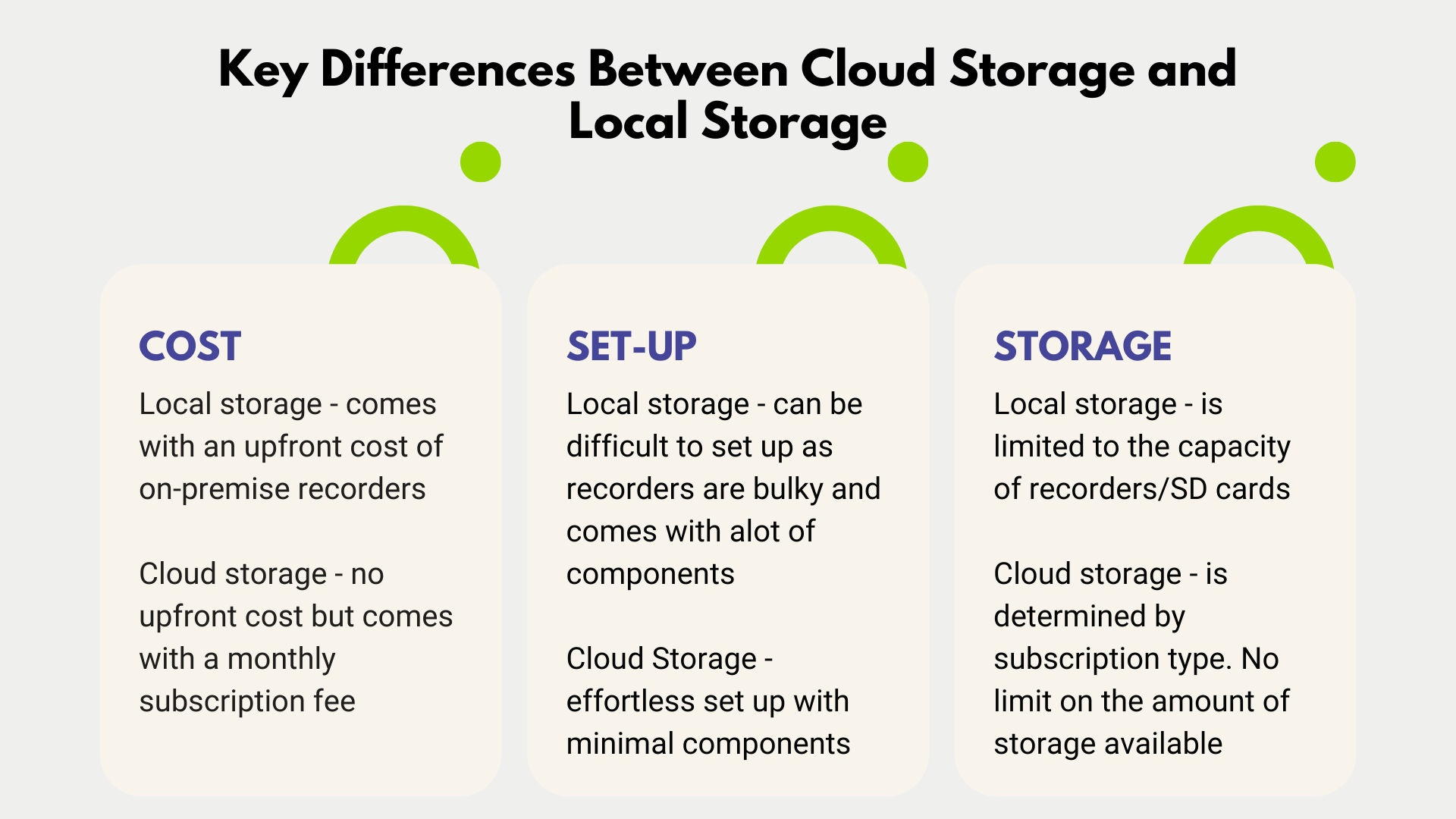
Cloud storage vs SD card storage: key differences at a glance
When people compare Cloud storage vs SD card storage, they care about speed, cost, and safety. Both can work well. The right choice depends on your workflow.
- Speed: SD is fast for large, local file moves. Cloud speed depends on your network.
- Cost: SD is a one-time buy. Cloud is a subscription with scaling space.
- Safety: Cloud offers off-site redundancy. SD is offline but easy to lose.
- Sharing: Cloud wins for links and collaboration. SD needs manual transfer.
- Control: SD gives you full local control. Cloud adds tools and automation.
Cloud storage vs SD card storage is not win or lose. It is a tool choice. Many people use both.

Speed and performance
Speed feels like magic when it works. SD cards move data at the speed your device and card allow. Good UHS-I cards write around 60–90 MB/s. UHS-II can go much higher in the right reader.
Cloud upload speed is set by your internet. Home upload can be 10–50 Mbps. That is slower than SD for big video files. Download is faster than upload for most plans.
For day shoots, I dump footage to a fast SD reader. I then copy to SSD. Later, I sync selects to the cloud. That way I get both speed and safety. In the talk of Cloud storage vs SD card storage, speed is where SD cards often win for raw throughput.
 durability, and data loss risks”
style=”max-width: 100%; height: auto; border: 2px solid black; border-radius: 10px; display: block; margin: 0 auto;”
loading=”lazy”
/>
Reliability, durability, and data loss risks
Cloud providers store copies across zones. Many claim very high durability. Some offer version history and recycle bins. This helps with ransomware or mistakes.
SD cards wear out with use. They can fail without warning. Heat, water, and static can hurt them. File systems can corrupt if you pull power during a write.
Use simple habits to reduce risk:
- Format cards in the device before a shoot.
- Do not fill cards to 100%.
- Replace cards that act slow or show errors.
- Keep at least two copies before you format.
Cloud storage vs SD card storage differs in failure modes. Cloud protects against device loss. SD protects against account hacks by staying offline. Both need care.

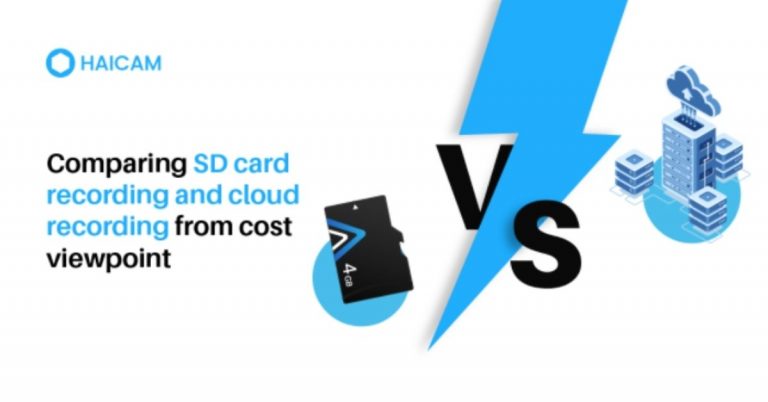
Cost comparison over time
SD cards have a one-time price. As of this year, 256 GB cards can be affordable. 1 TB cards cost more but still are a single purchase. You can reuse them for years if you rotate and care for them.
Cloud plans scale with your needs. Many offer 200 GB to a few TB for a monthly fee. Teams pay more for sharing and admin tools. Over time, cloud can cost more. But it can save time and stress.
Think of total cost of ownership:
- SD: Cards, readers, cases, and time to manage copies.
- Cloud: Subscriptions, extra features, and saved time on sharing and backups.
Cloud storage vs SD card storage is not just price. It is price plus time and risk. Add those to decide well.
Security and privacy
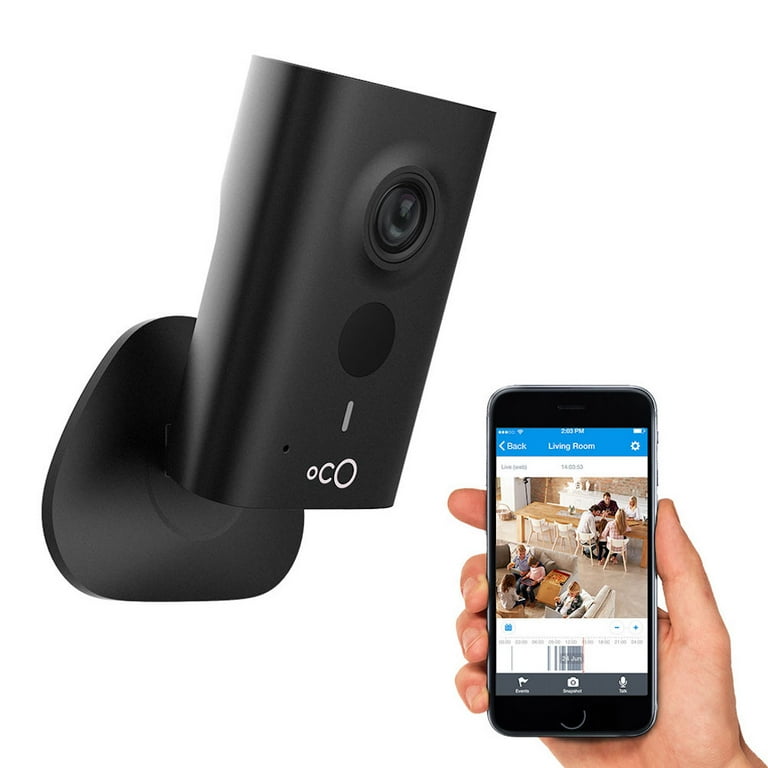
Cloud can encrypt data in transit and at rest. Some apps offer end-to-end encryption. You should turn on two-factor login. Use a password manager for strong, unique passwords.
SD cards are private by default because they are offline. If someone steals one, they have your files. Use device encryption or file vault tools. Some cameras support in-camera encryption.
Ask what you fear more. Account compromise or lost gear. That will guide your choice. For many, Cloud storage vs SD card storage is a choice of threat model.
Best use cases and real-life scenarios
Cloud shines in these cases:
- Cross-device access for notes, photos, and work.
- Team projects with links and comments.
- Off-site backups and version history.
SD cards shine in these cases:
- 4K or 8K video in the field.
- Drone flights and action cams with no signal.
- Travel with spotty internet or tight budgets.
A real day for me: I shoot an event on two U3 cards. I copy to my laptop and a backup drive on-site. At night, I sync the best shots to the cloud for the client. This blends Cloud storage vs SD card storage into one safe flow.
How to choose: a simple decision framework
Use these steps to decide fast.
- List your top need: speed, sharing, or safety.
- Check your upload speed. If it is slow, favor SD for first moves.
- Count your monthly data size. Map it to a cloud plan or card size.
- Note your risk. If theft or fire scares you, add cloud backup.
- Pick one main tool and one backup tool.
Quick rule of thumb:
- If you edit video or shoot RAW every day, start with SD plus local SSD. Add cloud for selects and backup.
- If you work across devices with docs and photos, start with cloud. Keep a small SD for travel.
Cloud storage vs SD card storage becomes simple when you anchor on use and risk. Pick the one that removes friction today.
A hybrid approach that works
You do not need to choose one. Many pros use both. Think of it like belts and suspenders. You get speed and safety together.
Try this flow:
- Capture to SD.
- Copy to computer and an external drive.
- Auto-upload selects or finals to cloud on Wi-Fi.
- Keep a rolling archive in the cloud.
This follows the 3-2-1 backup idea. Three copies, two types of media, one off-site. Cloud storage vs SD card storage is better as cloud plus SD.
Setup tips, mistakes to avoid, and best practices
Follow these quick wins.
Cloud tips:
- Turn on two-factor login.
- Use selective sync to save laptop space.
- Enable offline files for travel.
- Use end-to-end encryption if the app supports it.
- Set alerts for unusual account activity.
SD tips:
- Buy from trusted stores to avoid fake cards.
- Match speed class to your camera or drone.
- Format in-camera, not on the computer.
- Do not delete in-camera; format after safe backups.
- Store cards in cases; avoid heat and moisture.
Common mistakes to avoid:
- Relying on one copy.
- Mixing slow and fast cards in the same shoot.
- Ignoring upload bottlenecks.
- Skipping test restores. Backups you cannot restore are not backups.
Cloud storage vs SD card storage rewards good habits. Small steps make big gains in safety and speed.
Environmental impact and sustainability
Data centers use power. The best ones work to use clean energy and cool well. Shared cloud use can be efficient at scale.
SD cards create e-waste if you churn through them. Buy durable cards. Replace only when needed. Reuse and recycle where possible.
A mindful setup helps both your work and the planet. This adds a quiet win to Cloud storage vs SD card storage choices.
Frequently Asked Questions of Cloud storage vs SD card storage
Is cloud storage faster than an SD card?
Cloud is often slower for big uploads because it depends on your internet. SD cards move large files much faster when used with a good reader.
Which is safer: cloud or SD card?
Cloud is safer against fire, theft, and device failure due to off-site copies. SD is safer against online attacks because it is offline, but it can be lost or damaged.
What size SD card should I buy for 4K video?
Look for 128 GB or larger with U3 or V30 ratings at minimum. If you shoot long events or higher bitrates, consider UHS-II and larger sizes.
How much cloud storage do I need for photos?
Casual shooters can start with 200 GB. If you shoot RAW or video, start at 1 TB and scale up as your library grows.
Can I use both cloud and SD together?
Yes, and it is a smart plan. Capture to SD for speed, then back up to the cloud for safety and sharing.
Are subscriptions worth it for cloud storage?
If you share often or need version history, subscriptions save time and stress. Add up your time cost and the risk of data loss to see the value.
How long do SD cards last?
They have a finite write life and can fail without warning. Rotate cards and replace at the first sign of errors or slow writes.
Conclusion
Cloud storage vs SD card storage is not a battle. It is a menu. Pick what fits your life today, then mix in the other to cover gaps. Use SD for fast, local work. Use cloud for access, sharing, and off-site safety.
Start simple this week. Set two goals: make two copies of your most important files, and turn on two-factor login for your cloud. Want more practical guides like this? Subscribe, share your setup, or drop your questions in the comments.