Many families in the US want to keep their homes safe, but not everyone likes paying a monthly fee just to use a security camera. If you’re searching for a security camera without subscription for home use, you’re not alone. People want to protect what matters most—children, pets, and their peace of mind—without extra costs or confusing contracts.
Why Choose A No-subscription Security Camera?
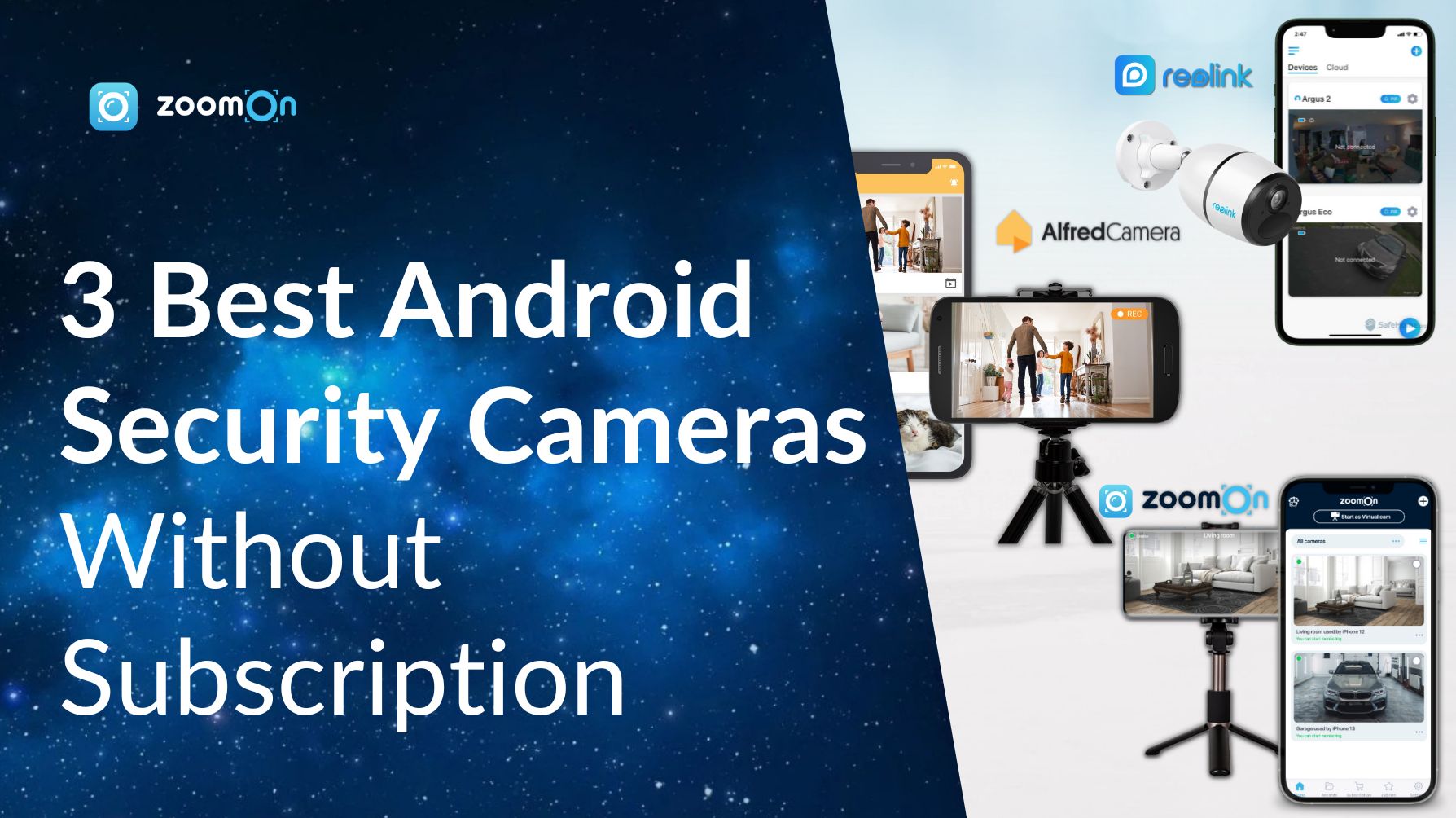
When you buy a camera, you want to use all its features from day one. No monthly payments means you keep control. These cameras save video locally—on a memory card or your computer—so you’re not sending private moments to the cloud. This can feel safer for families who value privacy.
Many people think only expensive cameras work well. In reality, several affordable models offer great features with no ongoing fees. For example, you can get motion alerts, clear night vision, and even two-way audio.
Key Features To Look For
Not all security cameras without subscription are the same. Choose wisely by focusing on these important things:
- Local storage: Look for models with a microSD card slot. This lets you record video right at home.
- HD video quality: Choose at least 1080p for clear images.
- Night vision: Make sure the camera works well in low light.
- Motion detection: Good cameras send alerts when they see movement.
- Weather resistance: For outdoor use, the camera should handle rain, snow, or heat.
- Easy app control: Many cameras let you check live video from your phone, even without a subscription.

Credit: www.amazon.com
Top Security Cameras Without Subscription
Here’s a comparison of popular choices that give strong protection without extra bills.
| Camera Model | Video Quality | Storage Type | Works Indoors/Outdoors |
|---|---|---|---|
| Wyze Cam v3 | 1080p | MicroSD Card | Both |
| eufyCam 2C | 1080p | Base Station | Both |
| Reolink Argus 3 Pro | 2K | MicroSD Card | Both |
The Wyze Cam v3 is a budget-friendly choice for many American homes. It’s easy to set up and offers sharp video, and you only pay once. The eufyCam 2C has a rechargeable battery and stores video locally, which helps if you want a wire-free setup.
How Local Storage Works
A common worry is, “How will I see old videos if there’s no cloud? ” With local storage, you simply remove the microSD card or connect to your camera using Wi-Fi. Most cameras overwrite old footage once the card is full.
This means you always have the latest events saved.
| Storage Size | Approx. Days of Footage (1080p) |
|---|---|
| 32GB | 2-3 Days |
| 64GB | 5-7 Days |
| 128GB | 10-14 Days |
For most families, a 64GB card is enough to cover a week of activity.
Credit: www.zoomon.camera
Common Mistakes To Avoid
Some buyers think all features are free. But a few brands lock advanced options—like cloud backup or longer video clips—behind a paywall. Always check what’s included before buying. Also, don’t skip reading real user reviews. They reveal if the camera is truly reliable during rain, snow, or a power outage.
One insight many miss: even without a subscription, you can sometimes use free cloud storage for short clips, but there are usually limits on how many days of video are saved.
Real-life Peace Of Mind
Imagine coming home after a long day and seeing your package safe on your porch. Or hearing your child’s voice through the camera when you’re running late. That’s the comfort these cameras bring—without surprise costs. You get to protect your loved ones and feel secure, all on your terms.
If you want to dive deeper into privacy and security standards for home cameras, visit this Consumer Reports guide.
Credit: www.consumerreports.org
Frequently Asked Questions
Do Security Cameras Without Subscription Still Send Alerts?
Yes, most cameras with local storage can send motion alerts to your phone for free.
How Do I Watch Saved Videos?
You can view recordings through the camera’s app or by removing the microSD card and using a computer.
Are These Cameras Safe From Hackers?
Choose cameras from trusted brands and always change the default password. Using your home Wi-Fi securely also helps.
Is Local Storage Enough For Long-term Security?
For daily use, local storage is enough. If you need to keep old videos, back them up to a computer or external drive.
Can I Upgrade To Cloud Storage Later?
Many cameras let you add cloud storage if you want. But all main features work without a subscription.
Finding a security camera without subscription means more freedom and less stress. You keep your home safe without worrying about ongoing fees or who’s watching your private moments. With the right camera, you get powerful protection—simple, private, and always on your side.