IP cameras beat CCTV for clarity, smart features, and easy scaling in most setups.
If you are weighing ip camera vs cctv for your home or business, you are in the right place. I’ve deployed both for shops, schools, and warehouses. This guide breaks down real costs, features, and risks in plain English. You will see where each shines, and where it falls short, so you can choose with confidence.

The core difference at a glance
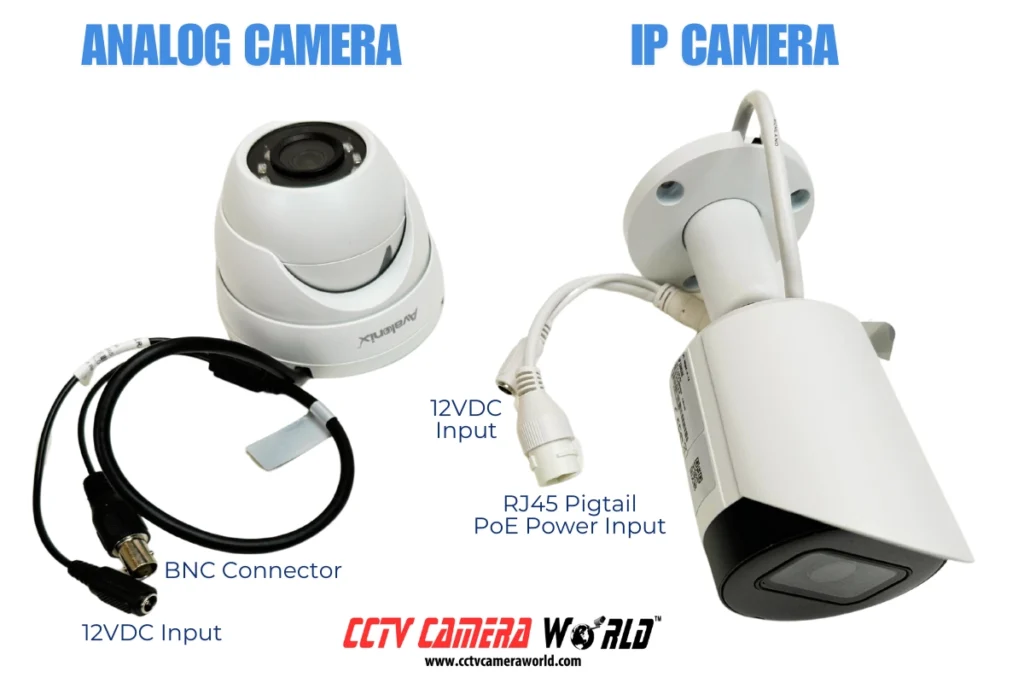
When people compare ip camera vs cctv, they often mix terms. CCTV usually means analog cameras over coax cable to a DVR. IP cameras send digital video over a network to an NVR or the cloud.
Think of CCTV like old TV. It works, but it is limited. IP cameras are like streaming. You get higher quality, smart features, and updates.
Key points you should know:
- CCTV is simpler and often cheaper up front.
- IP cameras offer better resolution and analytics.
- IP scales faster, especially in large sites.
What is a CCTV system?
CCTV stands for closed-circuit television. It uses analog cameras and coax cables to feed a DVR. The DVR encodes, stores, and lets you review footage.
CCTV fits places that need basic recording and fewer features. Many legacy buildings still use it due to existing coax wiring. In ip camera vs cctv debates, this is the “keep it simple” option.
Typical parts of a CCTV setup:
- Analog cameras with fixed or varifocal lenses.
- Coax cabling, sometimes with power over coax.
- A DVR for recording and playback.

What is an IP camera system?
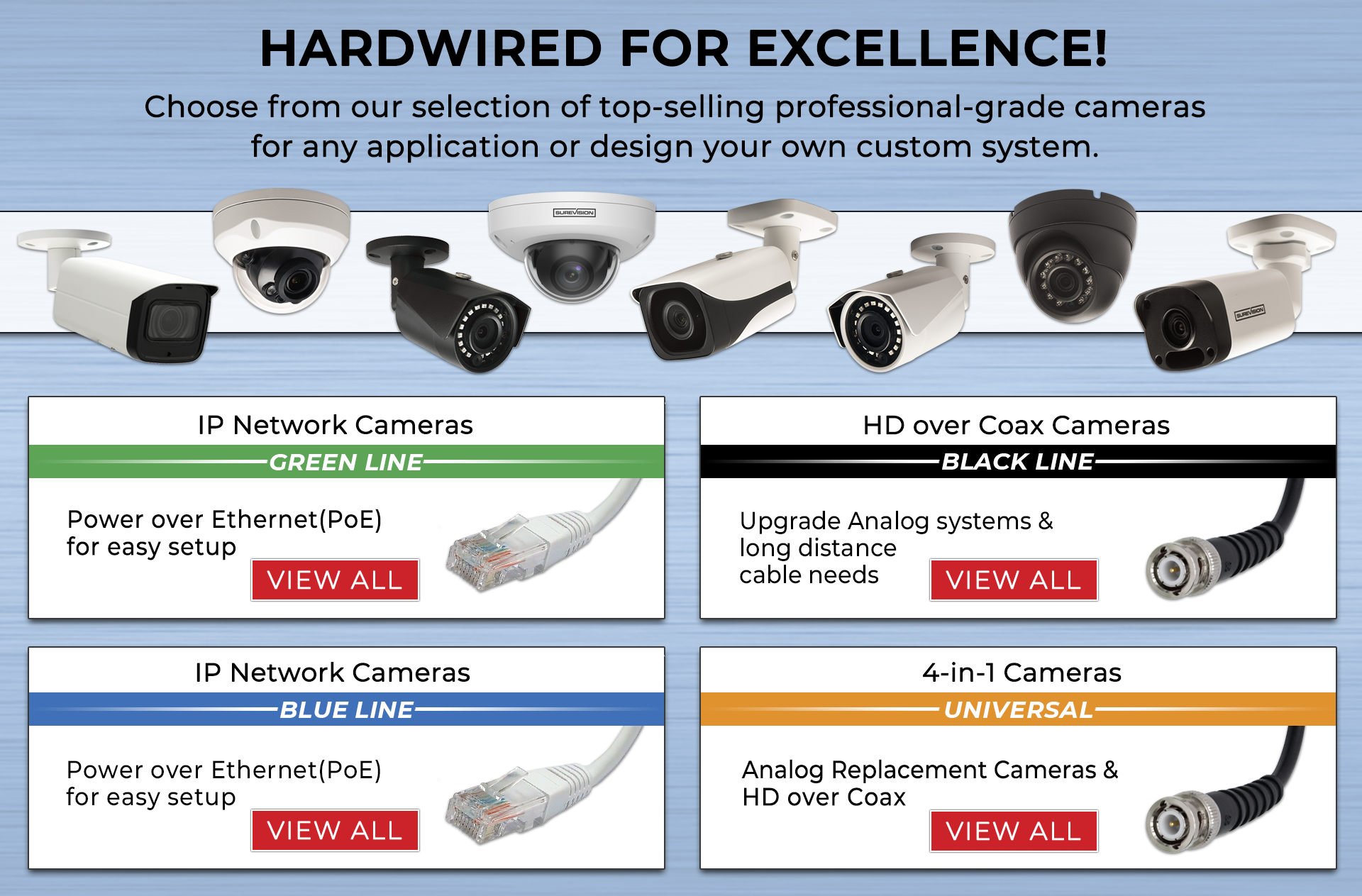
An IP camera is a network device. It sends digital video over Ethernet or Wi‑Fi. Power over Ethernet (PoE) can power the camera and carry data on one cable.
IP works like a mini computer at the edge. It can run motion detection, smart alerts, and even AI analytics. In ip camera vs cctv, this is the modern, flexible choice.
Core parts of an IP system:
- IP cameras with onboard processing and sensors.
- Ethernet cabling and PoE switch.
- An NVR, server, or cloud storage.
Picture quality and smart features
Here is where ip camera vs cctv feels like night and day. Many CCTV cameras top out at lower resolution. IP cameras range from 2MP to 12MP and beyond. You get clearer faces, plates, and details.
Smart features that are common on IP:
- Person and vehicle detection to cut false alerts.
- Wide dynamic range for bright and dark scenes.
- Color night vision with good low-light sensors.
- Two-way audio, privacy masks, and heat maps.
CCTV can add some features, but often at the DVR level. IP gives you smarter features in each camera. That means fewer blind spots and better alerts.
Storage, bandwidth, and video quality settings
In ip camera vs cctv planning, storage is key. Higher resolution means larger files. You can save space with smart encoding.
Practical tips I use on jobs:
- Use H.265 or H.265+ to cut file size.
- Set variable bitrate with a cap to control bandwidth.
- Record on motion or AI events, not 24/7 in low-traffic zones.
On networks, plan for peak loads. A 4MP IP camera may use 2–8 Mbps. Multiply by camera count. Separate camera VLANs help keep business traffic smooth.

Cybersecurity and privacy
The ip camera vs cctv talk must include cyber risk. IP devices live on your network. That adds exposure if you ignore security.
Simple steps that protect you:
- Change default passwords on day one.
- Disable UPnP and unused services.
- Use strong admin roles and unique accounts.
- Keep firmware updated on cameras and NVRs.
- Use VLANs and firewall rules to limit access.
- Prefer encrypted streams (HTTPS, SRTP) when possible.
CCTV is less exposed because it is not IP-based by default. But if your DVR is online, you still need strong passwords and updates.

Installation, wiring, and power
In ip camera vs cctv installs, wiring often decides the path. If a building has coax everywhere, CCTV can be faster. If there is Ethernet, IP wins.
What I look for during site walks:
- Cable runs: distance, bends, and interference.
- Power: PoE can simplify power planning.
- Switch capacity: PoE budget and total ports.
- Wi‑Fi: only for low-traffic cameras or where cabling is hard.
IP is flexible. You can add a PoE switch and one cable per camera. With CCTV, you run coax and sometimes a separate power line.

Costs and total cost of ownership
Upfront, CCTV can be cheaper for small sites. Over time, IP often saves money because it scales well and supports software upgrades.
A realistic cost view for ip camera vs cctv:
- Cameras: Analog units cost less per camera. IP costs more, but features justify it.
- Cabling: Use what you have. Reusing coax lowers CCTV costs. Using existing Ethernet favors IP.
- Recording: DVRs are cheaper than NVRs, but NVR features are stronger.
- Labor: IP can be faster with PoE. Complex networks may need a bit of IT time.
- Ongoing: IP firmware updates and analytics can reduce false alarms and site visits.
I recommend comparing 3-year total cost. Include storage, expansion, and support. In many cases, IP pulls ahead.
Use cases and how to choose
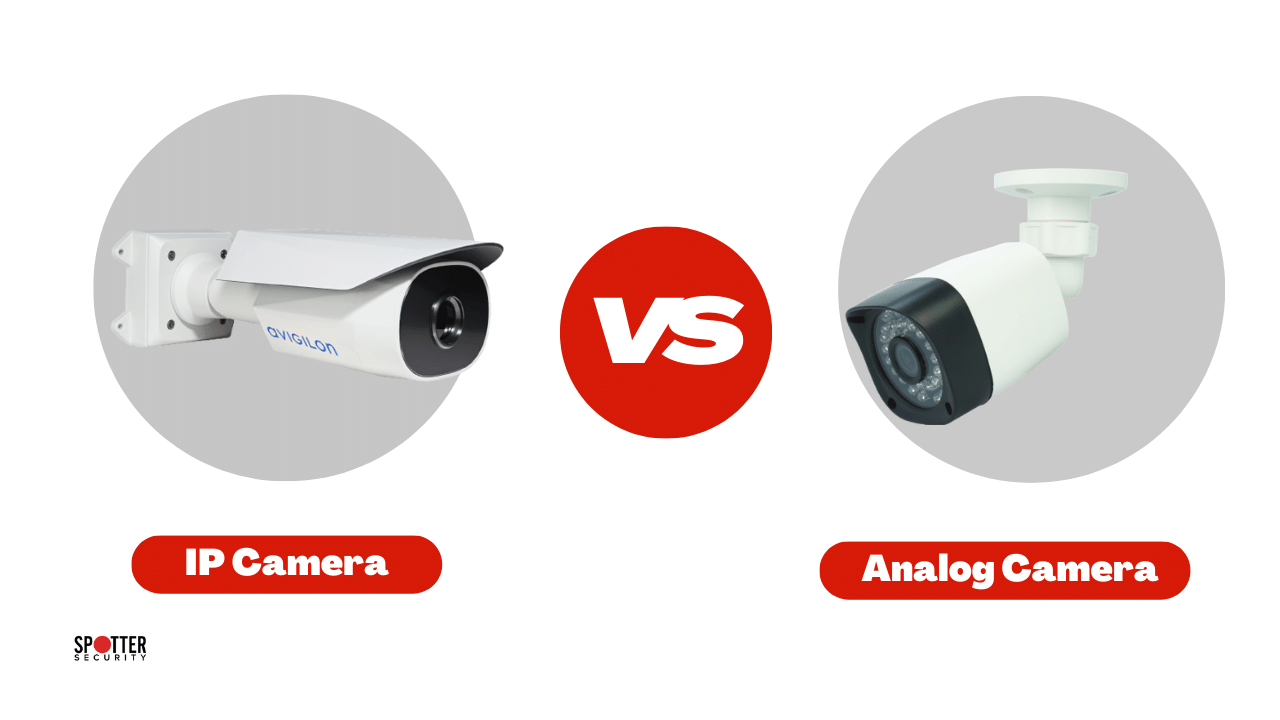
Choosing ip camera vs cctv depends on your goals, not hype. Match the tool to the job.
Best fits for CCTV:
- Small shops that need simple recording.
- Sites with existing coax where budgets are tight.
- Air‑gapped systems that never touch the internet.
Best fits for IP cameras:
- Businesses that need high detail and smart alerts.
- Large sites that will grow over time.
- Remote sites that need cloud access and alerts.
A quick decision flow:
- Need analytics or remote access? Choose IP.
- Reusing coax and need basic coverage? Choose CCTV.
- Mixed site? Use encoders for coax and add IP where needed.
Personal experience: lessons from the field
I have installed both systems in real sites. In one bakery, we kept the coax and moved to a hybrid DVR. It met the budget and improved reliability. That was the right ip camera vs cctv call for them.
In a school wing, we replaced aging CCTV with PoE IP cameras. False alerts dropped after enabling person detection. The principal could check live video on a phone during drills. That one change made day-to-day life easier and safer.
Buying checklist and mistakes to avoid
Your ip camera vs cctv choice is safer with a checklist. Keep it short and clear.
Checklist:
- Define must-have shots: doors, cash wrap, gates, and exits.
- Confirm lighting at night; add IR or white light as needed.
- Check cable paths and power; plan PoE budgets.
- Choose storage days and resolution before you buy.
- Set user roles and a password policy.
Mistakes to avoid:
- Ignoring network design for IP cameras.
- Recording 24/7 when motion or AI is enough.
- Skipping firmware updates and security hardening.
- Overlooking lens choice; wrong field of view ruins shots.
- Underestimating storage; add a buffer of 20–30 percent.
Frequently Asked Questions of ip camera vs cctv
Which is better for home use?
IP cameras are better for most homes due to remote access and smart alerts. If you already have coax, a small CCTV kit can still work well.
Do IP cameras need the internet?
They need a local network, not always internet. Internet is only needed for remote viewing, cloud storage, or firmware downloads.
Can I mix IP and CCTV?
Yes, with hybrid DVRs/NVRs or encoders you can mix both. This helps when migrating in phases or reusing legacy cabling.
Are IP cameras hard to install?
With PoE, many installs are simple. Plan your switch capacity, label cables, and use templates for drilling to save time.
How much storage do I need?
It depends on resolution, bitrate, and days of retention. A typical 4MP camera with H.265 and motion recording can use 50–150 GB per month.
Are wireless IP cameras reliable?
They work for light use and short ranges. For critical areas, wired PoE is more stable and secure.
Is CCTV obsolete now?
Not at all. It still suits simple, local recording needs and legacy coax sites with tight budgets.
Conclusion
You now have a clear view of ip camera vs cctv. CCTV brings simple wiring and lower upfront cost, while IP cameras deliver clarity, smart analytics, and room to grow. The right pick matches your goals, budget, and wiring today.
Take the next step. Map your must-have views, check your cables, and choose the system that fits your plan. Want more guides like this? Subscribe for updates or drop your questions in the comments.