So, do solar security cameras charge in rain or cloudy winter days? The short answer is yes, but the more honest answer is that they charge far less than most people expect, and in winter that can mean a dead camera by morning. It's a frustration we see constantly in product reviews, and it usually comes down to a misunderstanding between "solar-powered" and "sun-powered."
As of 2026, most solar security cameras use a monocrystalline photovoltaic panel paired with a rechargeable lithium-ion battery pack. The key spec to understand is that solar panels don't need direct sunlight to generate electricity. They produce power from diffuse daylight, which is why a camera can still top up its battery under a layer of clouds.
The real question isn't whether they charge. It's whether they charge enough to keep up with what the camera burns overnight. That depends on where you live, what camera you own, and how you use it.
Quick Answer
Yes, solar security cameras charge in rain and cloudy winter days. But the charge rate drops dramatically. Expect 10 to 25 percent of normal output in heavy overcast.
Cold weather also drains the battery faster than it charges. Most cameras survive, but some need help to stay powered.
Does Rain Really Block Solar Charging? (No, Here's Why)
Rain itself is almost never the problem. The issue is the cloud cover that comes with it.
Think of a solar panel like a sponge. Direct sunlight is a full bucket of water dumped on it. Diffuse light on an overcast day is more like a slow drip.
The sponge still absorbs moisture, just slower. Photovoltaic cells respond to all visible light, not just direct beam radiation. So on a rainy afternoon, your panel is still producing electricity, just at a reduced rate.
How reduced? It depends on the thickness of the cloud layer. Light overcast might cut output to 50 percent of a sunny day.
Heavy storm clouds can drop it to 10 percent or less. That sounds bad, but here's the good news: rain also keeps the panel clean. Dust, pollen, and bird droppings are a bigger drag on solar output than cloud cover in most climates.
A rain shower can actually improve long-term charging performance by washing off the grime.

Image source: Wikimedia Commons / William Murphy (CC BY-SA)
What actually matters is the panel's wattage and the battery's capacity. A camera with a 5W panel and a 10,000mAh battery will behave very differently from one with a 2W panel and a 5,000mAh battery. Check those two numbers before you judge a camera's winter performance.
If you're comparing options, our guide on wireless security camera systems breaks down the specs that matter.
Why Cloudy Winter Days Are the Real Battery Killer
Winter is a triple threat for solar cameras. Short daylight hours, low sun angle, and cold battery chemistry. Each one on its own is manageable.
Together, they can drain a camera faster than a panel can refill it.
First, daylight hours. A sunny July day might give you 14 hours of usable light. A cloudy December day might give you seven.
That's half the charging time before you even factor in the cloud cover.
Second, the sun sits much lower in the sky during winter. That means light hits your panel at a shallow angle. Unless the panel is tilted to catch it, a lot of that energy just bounces off.
Most factory-mounted panels point straight up or at a fixed angle optimized for summer sun, which is exactly wrong for winter.
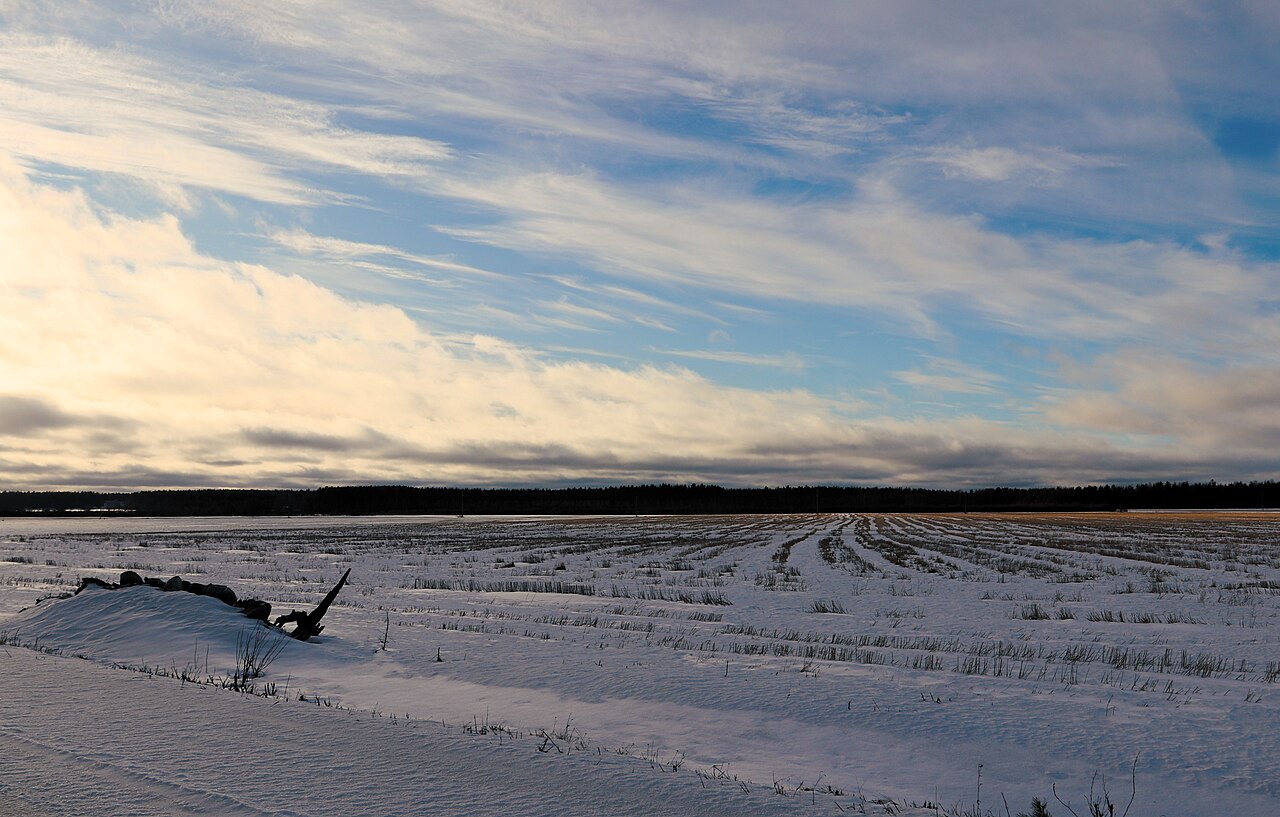
Image source: Wikimedia Commons / irio.jyske (CC BY)
Third, and this is the big one, cold temperatures hurt lithium batteries. A battery that holds a full charge at 70°F can lose 20 to 40 percent of its usable capacity at freezing. That means the same camera that survived a rainy October night might not make it through a January one, even if the charging conditions are identical.
Manufacturers like Reolink and Eufy have started using LiFePO4 batteries in some models precisely because they handle cold better than standard lithium-ion cells. If you live somewhere with real winters, that's a spec worth hunting for.
The combination is brutal. Less charging time, weaker charging angle, lower panel output, and a battery that holds less charge. That's why "does it charge on cloudy days?" is the wrong question.
The right question is "does it charge enough?" For a deep dive into cameras built for these conditions, check out our picks for outdoor security cameras in cold weather.
The Decision Tree: Will Your Camera Survive Winter?

Image source: Wikimedia Commons / Saintfevrier
Let's make this practical. Work through these three variables in order, and you'll know whether your solar camera will make it through a cloudy winter or leave you staring at a black screen.
Variable 1: Your Climate — Rain Belt, Snow Belt, or Sun Belt
Where you live sets the baseline. Not all cloudy winters are created equal.
- Mild, rainy winters (Pacific Northwest, UK, Ireland): Heavy cloud, but temperatures stay above freezing. Your panel produces little, but your battery still performs normally. Most cameras survive with careful placement and power-saving settings.
- Cold, snowy winters (Canada, Northern US, Nordic countries): Cloud cover plus freezing temperatures. The worst case scenario. You'll likely need a backup plan for the deepest winter weeks.
- Sunny but short winters (Southwest US, Southern Europe): Clear skies, just fewer hours. These cameras usually charge fine year-round with only minor tweaks.
Variable 2: Your Camera's Specs — Panel Wattage, Battery Capacity, Power Draw
Not all solar cameras are created equal. The three numbers that decide everything:
| Spec | Low Power | High Power |
|---|---|---|
| Panel wattage | 2W–3W | 5W–6W |
| Battery capacity | 5,000mAh–8,000mAh | 10,000mAh+ |
| Standby draw | Low (PIR-based) | High (continuous recording) |
A camera with a 6W panel and a 12,000mAh battery can survive a week of heavy overcast. A camera with a 2W panel and a 5,000mAh battery might not survive two nights. It's that simple.
Variable 3: Your Usage Habits — Motion Alerts, Recording Modes, and Standby Drain
Your habits matter more than the weather. A camera that records continuously will burn through its battery in days, no matter how big the panel is. A camera that only wakes on motion detection can stretch the same charge for weeks.
Image source: Wikimedia Commons / Saintfevrier
Here's the decision framework:
- If you live in a sunny climate, have a high-wattage panel, and use motion detection only: you're fine. Stop worrying.
- If you live in a rainy but mild climate, or have a lower-wattage panel: adjust your angle and settings. You'll likely be fine with minor tweaks.
- If you live in a cold, dark winter climate, or have a small panel, or record continuously: you need a backup plan. USB charging, a remote panel, or a power-saving mode. If you're still shopping, our solar-powered security camera guide covers which specs actually hold up.
How to Keep a Solar Camera Alive in Cloudy Weather (Step-by-Step Fixes)
You don't need to replace your camera. You just need to work with the seasons. Here's what actually helps, in order of impact.
Adjust the panel angle for winter sun. In the Northern Hemisphere, the winter sun sits lower in the southern sky. Tilt your panel to a steeper angle, roughly 45 to 60 degrees from horizontal, to catch more of that low light. It's a ten-minute fix with a screwdriver and makes a measurable difference.
Clean the panel regularly. Snow, frost, and grime block light far more than clouds. A quick wipe every few weeks in winter can double your charging output. After a snowstorm, clear the panel as soon as it's safe to reach it.
Change your camera's recording mode. If you're recording continuously, switch to motion detection or scheduled recording. This cuts power consumption by 60 to 80 percent and is the single biggest battery saver available. If you need help placing your camera to minimize false triggers, our DIY installation tips cover sensor placement and range.
Use the camera's power-saving mode. Most modern cameras have a low-power or battery-saver setting. It reduces infrared night vision intensity, lowers video bitrate, and stretches standby time. Enable it for the winter months and switch it back when the sun returns.
Keep a USB cable handy for emergencies. Every solar camera has a charging port. After a long storm or a deep freeze, a few hours on a USB charger can rescue a dead battery. It's not a failure of the solar system.
It's just winter. If you're adding a new camera to your setup and want one that handles these situations well, take a look at models with two-way audio so you can also scare off porch pirates while you're at it.
Consider a remote solar panel if your camera supports it. Some manufacturers sell separate panels that can be mounted in a sunnier spot and wired back to the camera. If your camera is stuck in permanent shade, this is the only real fix.
Common Mistakes That Drain Solar Cameras in Winter
Most winter battery failures aren't the weather's fault. They're small installation errors and habit problems that stack up. Here's what we see most often in verified buyer feedback.
Mounting the camera in permanent shade. Eaves, trees, and porch roofs block more light than clouds ever will. If your panel sits in shadow for half the day, no amount of winter sun can save it. Relocate the camera or the panel to an open spot with clear sky exposure.
Ignoring the panel angle. Most factory mounts aim the panel too flat for winter. The low sun skips right off the surface. Per NREL data, adjusting tilt to match your latitude can recover 15 to 30 percent more irradiance in winter.
Leaving continuous recording on. This is the biggest single mistake. A camera that records 24/7 can burn through a full battery in two or three days. Motion detection stretches it to two or three weeks.
The trade-off is obvious.
Forgetting to clear snow and frost. Even a thin layer of ice blocks nearly all light. After a storm, brush the panel off before you do anything else. It's the cheapest battery boost available.
If you're installing new gear, our DIY installation tips cover panel placement and avoiding shade pitfalls.
Also, don't assume your camera's battery readout is accurate in freezing weather. Cold can cause the state of charge to display incorrectly. A camera that reads 40 percent might actually be near zero.
Bring it inside to warm up before judging.
Real-World Scenarios: Who Should Worry — and Who Won't
Not everyone faces the same winter problem. Let's run through three typical situations and see who wins.
The rainy coastal city (Seattle, London, Dublin). Cloudy but mild, with temperatures rarely below freezing. A solar camera with a 5W panel and a decent battery will usually survive winter with slight tweaks. Tilt the panel, enable power saving, and you're fine.
The rain keeps the panel clean, which helps.
The northern snow belt (Minneapolis, Calgary, Stockholm). Heavy snow, short daylight, deep cold. This is the hardest case. A 2W panel camera will almost certainly struggle.
A 6W panel camera with a LiFePO4 battery might just barely keep up. Plan for USB rescue charges during the coldest weeks. For serious winter climates, we've rounded up cameras built for cold weather with the specs to match.
The sunny but short day (Denver, Madrid). Clear winter skies, just fewer hours. These cameras almost never fail. The panel charges efficiently whenever the sun is up, and the battery stays healthy because temperatures are moderate.
Set the angle once and forget it.
Your takeaway: know which scenario matches your zip code. Then apply the fixes from the previous section. That's the whole game.
Frequently Asked Questions
Can a solar security camera fully charge on a cloudy day?
Yes, but only if the clouds are thin and the daylight hours are long. Thick storm clouds cut output to 10 to 25 percent of normal. A full charge usually takes several days of overcast weather, not one.
If the camera drains faster than that, you'll see the battery drop steadily.
Will snow cover completely stop charging?
Snow blocks nearly all light, so yes, a covered panel stops charging. But fresh snow often slides off tilted panels on its own. If it doesn't, brush it off gently.
Also, snow on the ground reflects sunlight, which can actually boost panel output once the panel is clear.
How long does a solar camera battery last in winter?
It varies enormously. A high-end camera with a large battery and motion detection can run two to four weeks on a full charge. A budget camera with a small battery and continuous recording might die in two days.
Check your wattage, battery capacity, and recording mode.
Is a wired camera better for cloudy winters?
For reliability, yes. A wired camera never drains. But a solar camera is usually cheaper to install and works in remote spots.
If your climate is tough and the camera is critical, a hybrid setup with USB backup is a smart compromise.