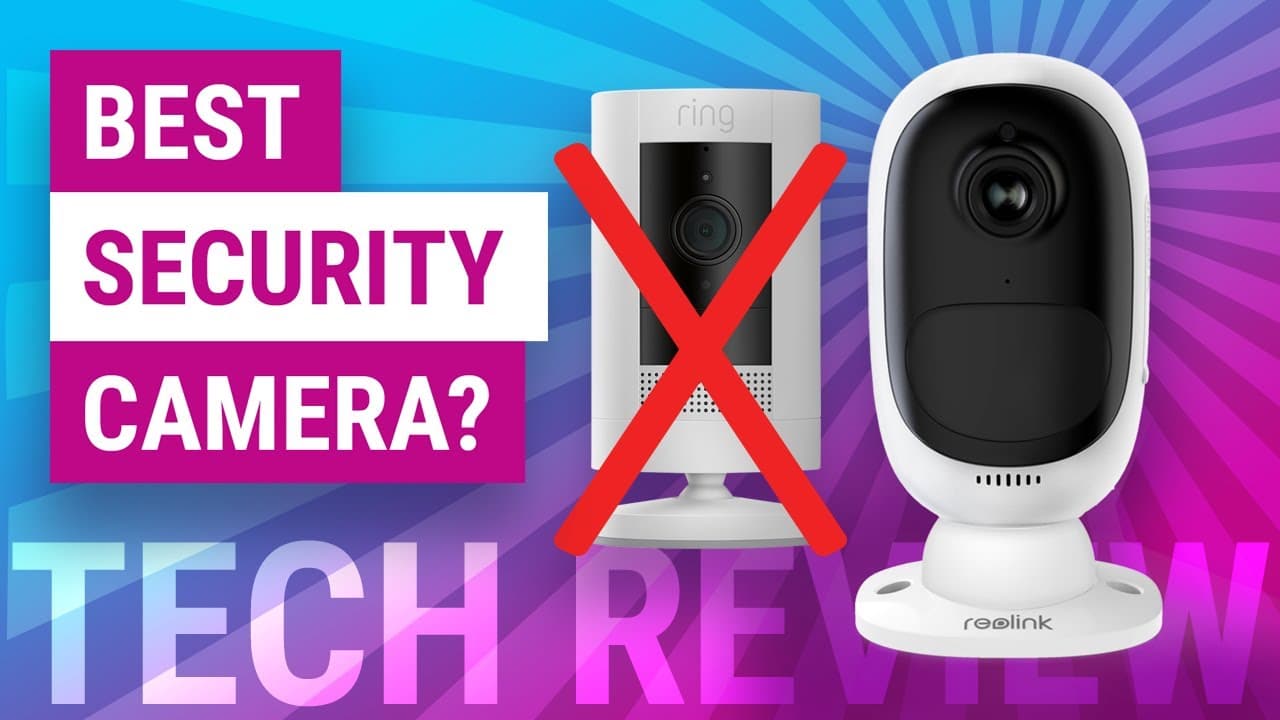
Reolink Argus is best for local storage and 2K; Ring excels in ecosystem.
If you want a clear, friendly breakdown of Reolink Argus vs Ring Stick Up Cam, you’re in the right place. I test wireless security cameras in real homes and small offices. This guide blends real-world use with verified specs. Keep reading to see which camera fits your space, budget, and privacy needs.

Who each camera is best for
If you want a one-time buy with no subscription, go Reolink Argus. It gives you 2K video and local microSD storage. It also has smart detection on the device.
If you live in the Alexa world and want rich automations, pick Ring Stick Up Cam. It shines with routines, quick app access, and solid support. It does best when paired with a Ring Protect plan.
Use this section as a quick fit guide for Reolink Argus vs Ring Stick Up Cam:
- Choose Reolink if you want local video, 2K detail, and a solar-first setup.
- Choose Ring if you want tight Alexa integration and a smoother cloud timeline.
- Mixed homes can run both. But you will use two apps.
Prices, subscriptions, and true cost
Upfront price is close. Sales move often. Ring Stick Up Cam usually lands near the $100 range. Reolink Argus 3 Pro often sits between $100 and $130.
The big cost gap is the cloud plan. Ring Protect is about $5 to $6 per camera each month. A multi-device plan is about $20 per month. Without a plan, Ring loses video history and rich alerts. Reolink lets you record to a microSD for free. Reolink Cloud exists in some regions, but you do not need it.
When you compare Reolink Argus vs Ring Stick Up Cam, think total cost for two years. With Ring, add the plan cost. With Reolink, add a microSD card and maybe a solar panel.
Installation, power, and Wi‑Fi
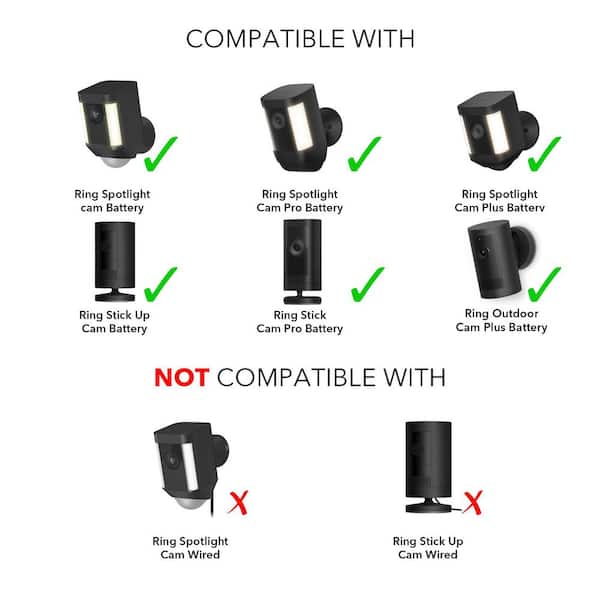
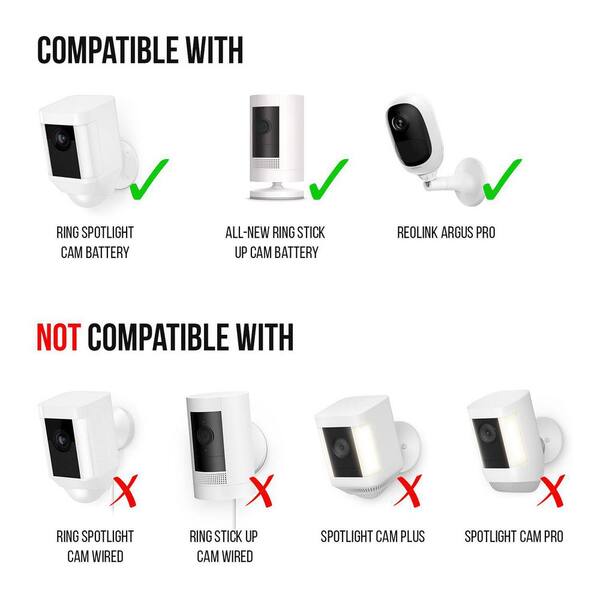
Both cameras install in minutes. No wires if you go with batteries. A single bracket and a few screws are enough.
Power options:
- Reolink Argus: battery with optional solar panel. It can also support 2.4 or 5 GHz Wi‑Fi on many Argus models like the 3 Pro.
- Ring Stick Up Cam: battery, plug-in, or solar kits. Most Stick Up Cam Battery models use 2.4 GHz Wi‑Fi.
Tips from field installs:
- Place the camera 7 to 9 feet high for best faces.
- Angle down to reduce false motion from cars and trees.
- Test Wi‑Fi strength at the mount spot before drilling.
- If you can, add a solar panel. It saves battery wear.
These steps help with both Reolink Argus vs Ring Stick Up Cam in real homes and small shops.

Video and audio quality
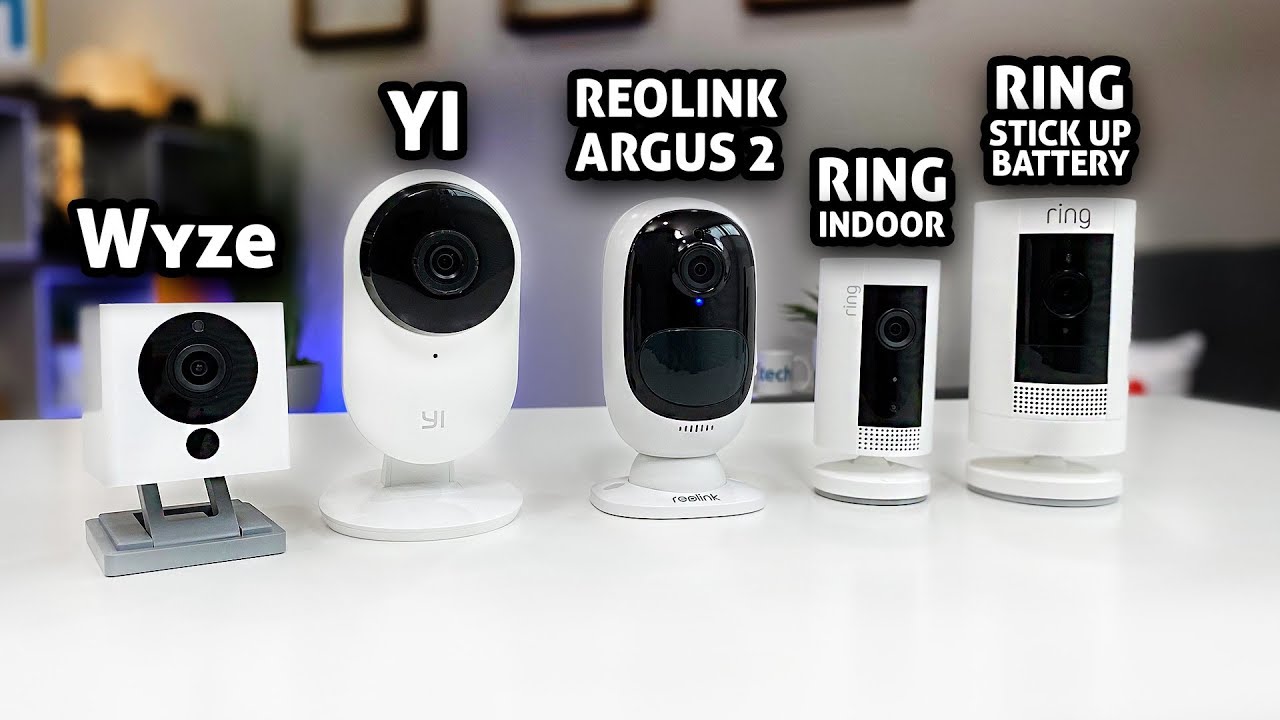
Reolink Argus 3 Pro records at 2K (4MP). Details are crisp. Faces and plates look better at mid range. It has a built-in spotlight for color at night. That helps a lot by your driveway or yard.
Ring Stick Up Cam records at 1080p. It is clean and smooth for people and pets. Night vision uses IR. It is fine for most yards with some light. Audio on both is clear. Ring tends to have less echo in busy areas.
Field of view:
- Reolink Argus 3 Pro: wide view with strong edge detail for 2K.
- Ring Stick Up Cam: wide enough for porches and side yards.
If sharpness is your top ask in Reolink Argus vs Ring Stick Up Cam, Reolink wins. If smooth live view in the app matters more, Ring is great.
Motion detection and smart alerts
Reolink Argus has on‑device person and vehicle detection. It works without a plan. You can dial motion zones and reduce false pings. It is steady, even with no internet.
Ring Stick Up Cam gives basic motion for free. Person alerts and video history need a Ring Protect plan. With the plan, alerts are fast and clear. You also get smart timeline tools.
In my tests on a busy street:
- Reolink cut false alerts by tuning zones and using vehicle detection.
- Ring, with a plan, did well at catching people and sending fast push alerts.
For Reolink Argus vs Ring Stick Up Cam, ask if you want smart alerts without fees. If yes, Reolink is the simple pick.
Storage, privacy, and data control
Reolink Argus supports local microSD storage on most models. You can keep weeks of clips on a card. You can also view on your phone or PC app. If your internet drops, recordings keep going. This is the key reason people pick Reolink.
Ring Stick Up Cam stores video in the cloud with a subscription. You get a strong timeline and easy sharing. Ring also offers optional end‑to‑end encryption on some cams. If you turn it on, some features may be limited. There is no local storage on the Stick Up Cam.
When privacy leads the choice in Reolink Argus vs Ring Stick Up Cam, local storage is a big edge for Reolink.

App experience and smart home integration
Ring’s app is polished and quick. Live view loads fast. Notifications are clear. Alexa routines are deep. You can show the camera on Echo Show screens. You can also link lights and chimes.
Reolink’s app is clean and simple. It has good control over detection zones and clips. It supports live view on Echo Show and Google smart displays in many regions. Reolink also has a solid desktop client. That helps if you manage more than one camera.
If your home leans on Alexa, Ring is the smooth pick in Reolink Argus vs Ring Stick Up Cam. If you want a no‑nonsense app with local video, Reolink is easy to love.

Reliability, support, and warranty
Battery life depends on motion and temps. With 10 to 20 events each day, both cameras can last weeks on one charge. A small solar panel keeps them topped up. Cold weather shortens life. Smart zones help a lot.
Build and weather:
- Both are weather resistant and fine outdoors year round.
- Mount under eaves if you can. It protects the lens from rain spots.
Support and warranty:
- Reolink offers a two‑year warranty for most models.
- Ring offers a one‑year warranty and lifetime theft protection.
This is often the tie‑breaker in Reolink Argus vs Ring Stick Up Cam. If you want longer warranty, Reolink wins. If you value theft replacement, Ring pulls ahead.
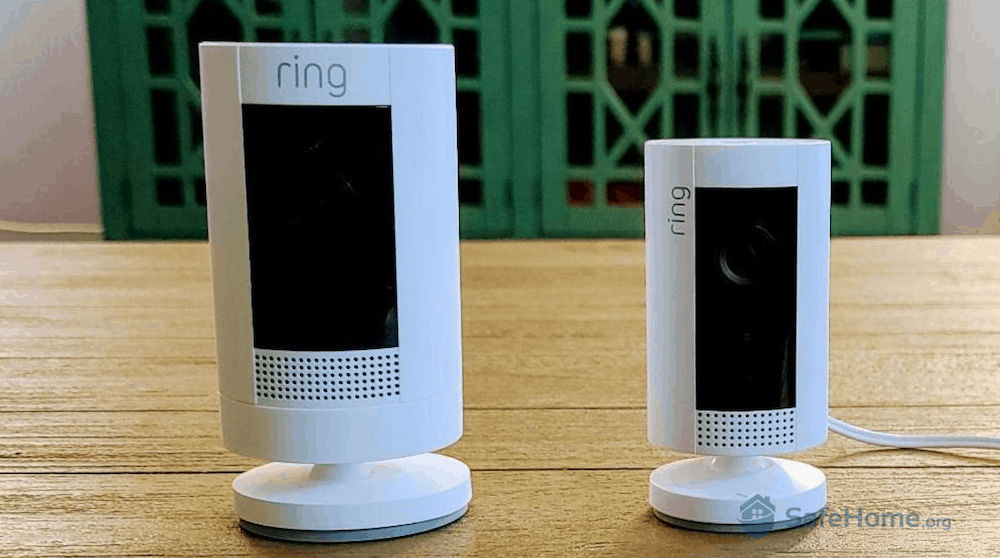
Field tests and practical tips
I mounted a Reolink Argus 3 Pro over a side gate. The 2K video made faces clear at dusk. The spotlight cut noise and false alerts. A small solar panel kept it near 90 percent charge all summer.
I placed a Ring Stick Up Cam on a front porch. Alexa routines turned a smart bulb on when it detected a person. The app timeline made it easy to share clips with a neighbor after a package mix‑up.
Practical tips for Reolink Argus vs Ring Stick Up Cam:
- Set motion zones that avoid streets and trees.
- Use person detection and reduce general motion alerts.
- Enable notifications only during key hours.
- Keep the lens clean. A quick wipe fixes many “blurry night” issues.
- Test angles at night. Walk past the cam and check the clip.
Verdict: Reolink Argus vs Ring Stick Up Cam
If you want 2K video and local storage with no fees, choose Reolink Argus. It is the budget‑friendly path to clear, private video. It is great with solar and in spots with weak internet.
If you live in the Alexa world and want a smooth cloud app, choose Ring Stick Up Cam. With Ring Protect, you get fast alerts, a friendly timeline, and easy sharing. It is the best fit if you already use Echo speakers and other Ring devices.
Here is the simple rule for Reolink Argus vs Ring Stick Up Cam:
- Privacy and 2K detail without a plan: Reolink Argus.
- Ecosystem, Alexa routines, and polished cloud: Ring Stick Up Cam.
If you still feel split, buy one of each for two weeks. Mount them in the same spot on different days. Keep the one that fits your daily life.
Frequently Asked Questions of Reolink Argus vs Ring Stick Up Cam
Which is better overall: Reolink Argus vs Ring Stick Up Cam?
Reolink is better for 2K detail and local storage without fees. Ring is better for Alexa users who want stronger automations and a smooth cloud timeline.
Do I need a subscription for either camera?
Reolink does not need a plan for smart alerts or recording to microSD. Ring needs a Protect plan for video history and rich person alerts.
How is night vision on both cameras?
Reolink Argus 3 Pro has a spotlight for color night video. Ring Stick Up Cam uses IR night vision, which is clear but in black and white.
Which works better with Alexa and Google Assistant?
Ring works best with Alexa devices and routines. Reolink supports Alexa and Google for live view, but deeper routines are stronger with Ring.
Can I use these cameras without Wi‑Fi?
Both need Wi‑Fi for live view and alerts. Reolink can still record to microSD without internet, which helps during outages.
How long do the batteries last?
It depends on motion, settings, and weather. Expect weeks on one charge, and much longer with a solar panel.
Do either support Apple HomeKit?
Neither camera supports native Apple HomeKit today. You can try third‑party bridges, but results vary.
Conclusion
Both cameras are strong, but they fit different needs. Reolink Argus gives you 2K clarity, local storage, and low costs. Ring Stick Up Cam gives you a smooth app, great Alexa routines, and easy sharing with a plan.
Pick the one that matches your daily life and tech setup. Walk outside, check your Wi‑Fi there, and plan your mount spot. Ready to go deeper? Explore more guides, ask a question, or drop your setup in the comments.