Ring suits feature-rich homes; Blink wins on price and simplicity for most budgets.
If you are torn between Ring camera vs Blink camera, you are not alone. I install and review smart security gear for a living, and I’ve tested both in small apartments and busy family homes. In this guide, I break down Ring camera vs Blink camera with clear picks, real-world tests, and simple tips you can use today.
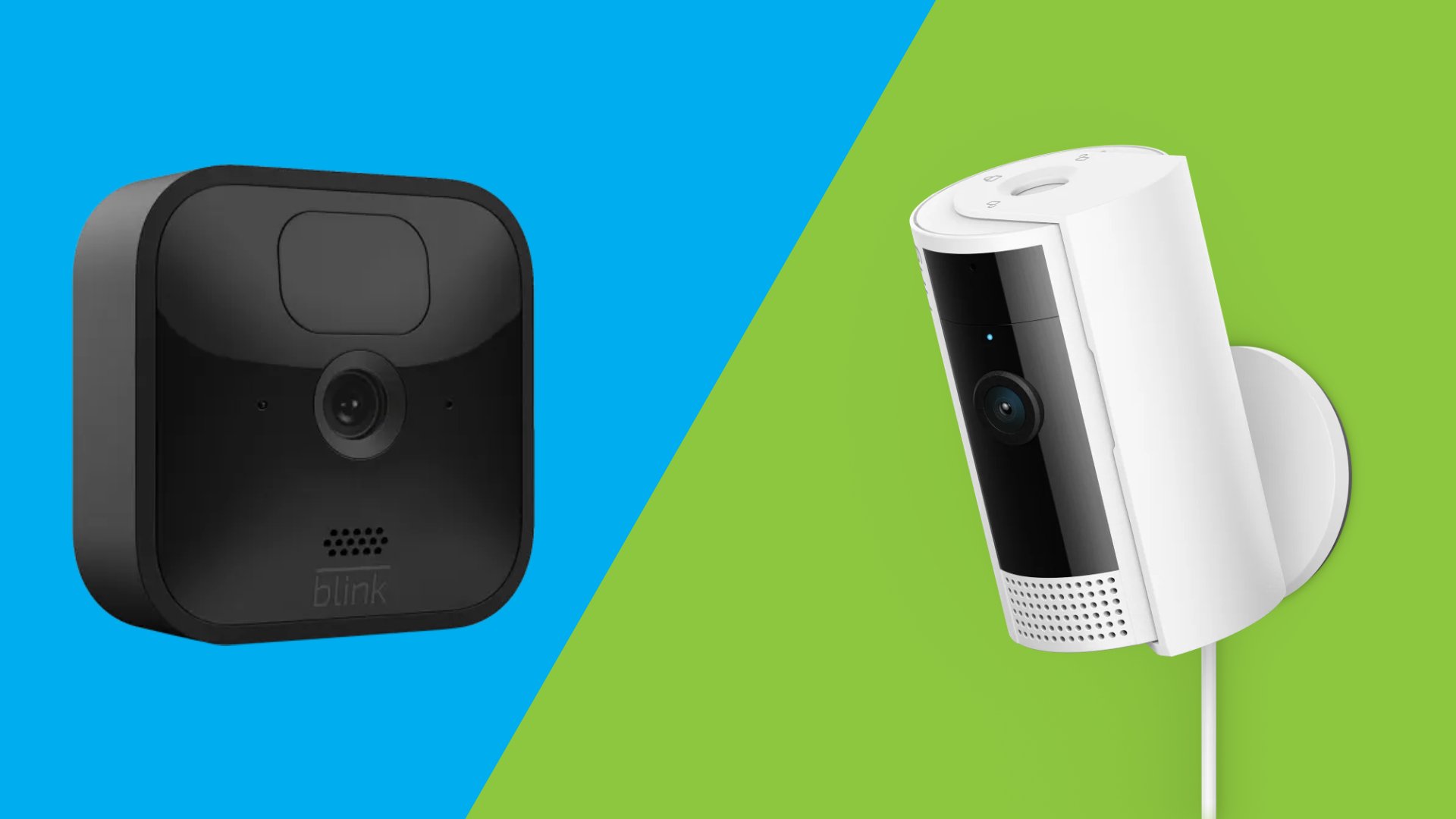
Who should choose which brand
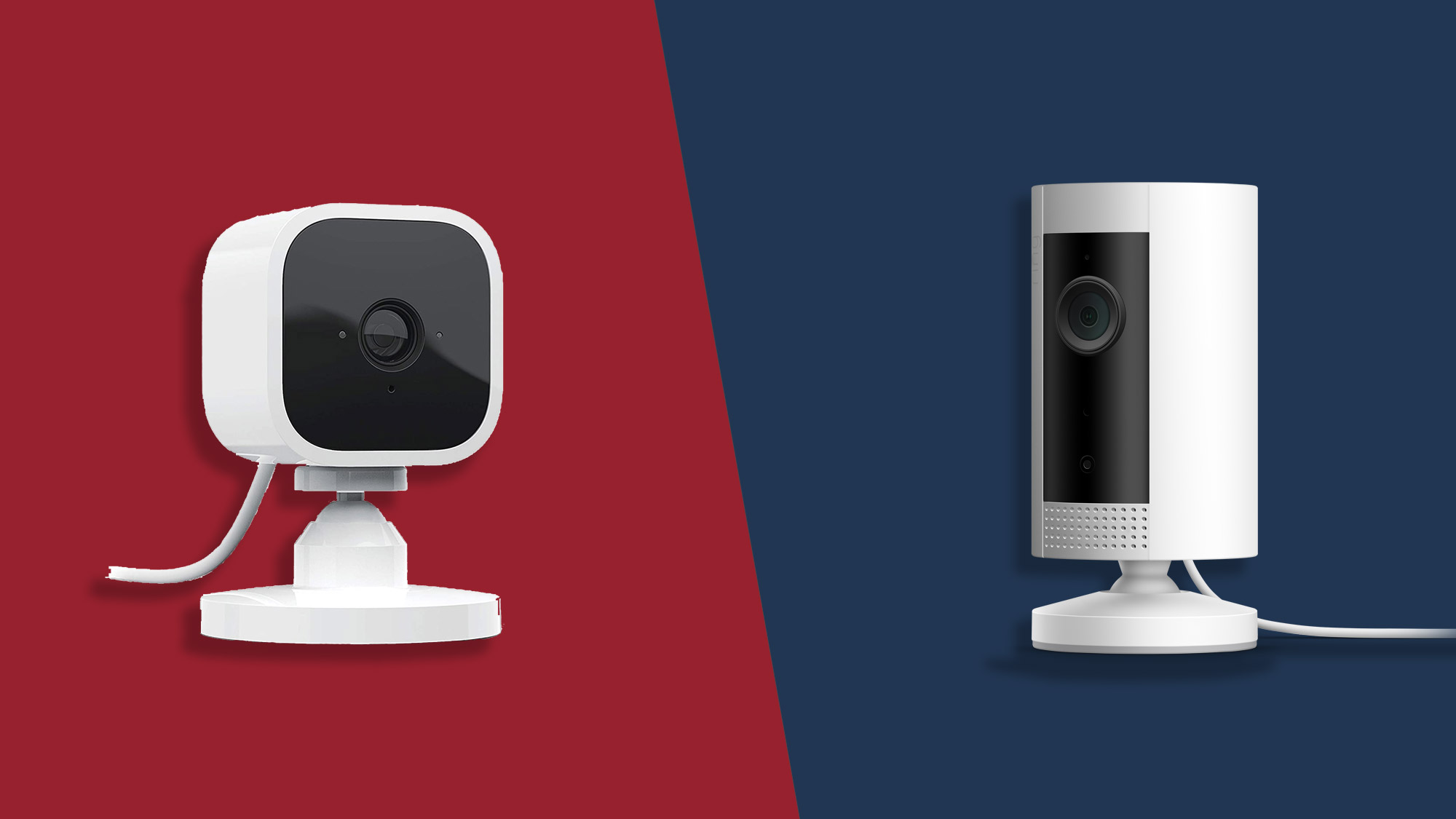
Ring camera vs Blink camera comes down to two things: features and budget. Ring is loaded with tools for larger homes, busy driveways, and smart routines. Blink is lean, cheap, and ideal for renters or first-time buyers.
Choose Ring if:
- You want advanced alerts like package detection and rich notifications.
- You plan to add floodlights, doorbells, and more over time.
- You want better video quality, HDR, and stronger Wi‑Fi options.
Choose Blink if:
- You want the lowest cost now and later.
- You prefer easy installs and long battery life.
- You only need motion clips and simple app controls.
I use Ring at a corner lot where I need crisp detail and smart alerts. I use Blink for a rental unit where budget and battery life matter more than extras.
Pricing, subscriptions, and total cost
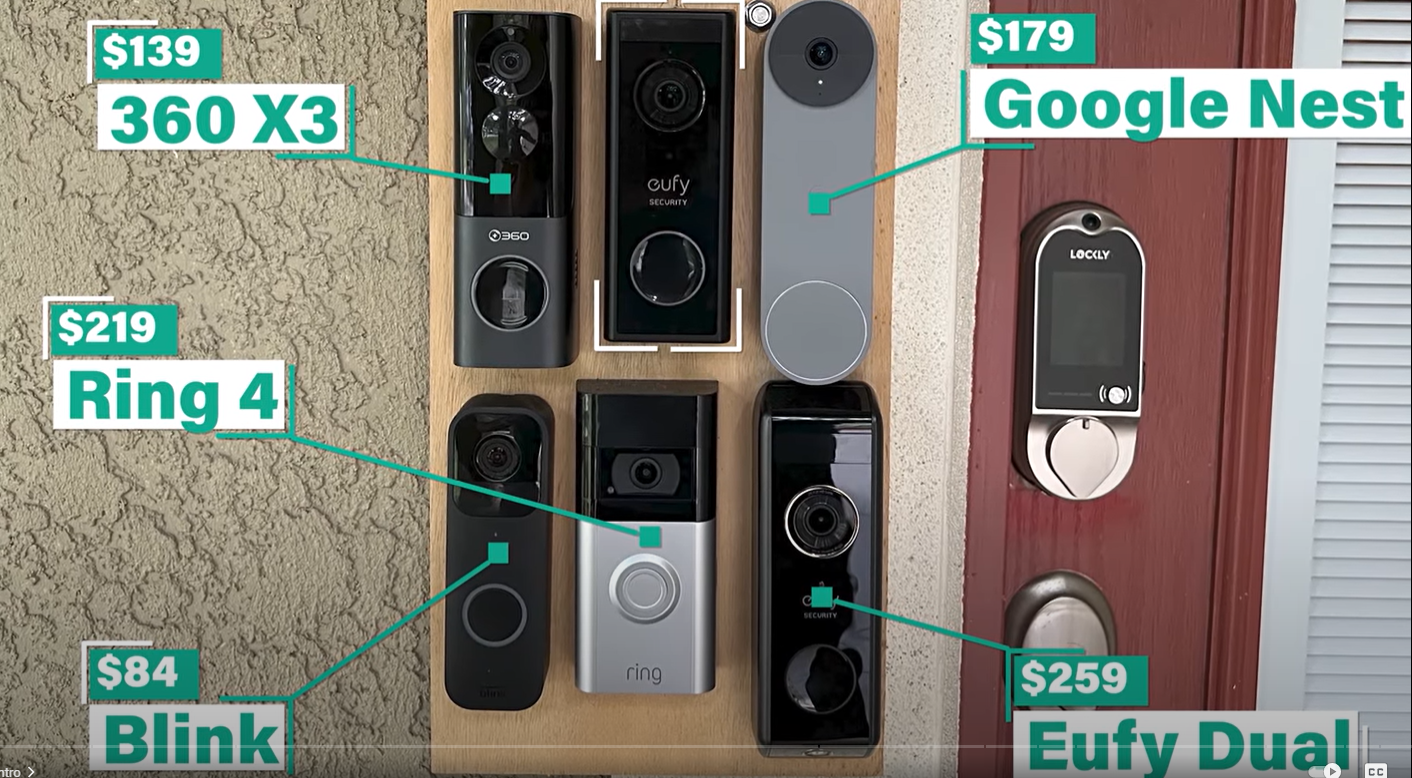
Ring camera vs Blink camera pricing is not just about the sticker price. The subscription plan can double the value you get.
Typical device prices:
- Blink cameras are often 20–40% cheaper than similar Ring models.
- Ring doorbells and floodlights cost more, but include stronger features.
Subscriptions:
- Ring Protect Basic is about $4.99 per month per device, or $49.99 per year. Ring Protect Plus is $10 per month per home. Pro plans add alarm monitoring.
- Blink Basic is $3 per month per device, or $30 per year. Blink Plus is $10 per month per account.
Storage without a plan:
- Ring has limited local options. Full local recording needs Ring Alarm Pro with Ring Edge and a microSD card.
- Blink offers local storage with the Sync Module 2 and a USB drive. You can record without a cloud plan.
Three-year cost example for two outdoor cams and one doorbell:
- Blink often saves $150–$300 versus Ring, even with cloud plans.
- If you skip subscriptions, Blink stays useful. Ring loses many smart features without a plan.

Video quality and audio
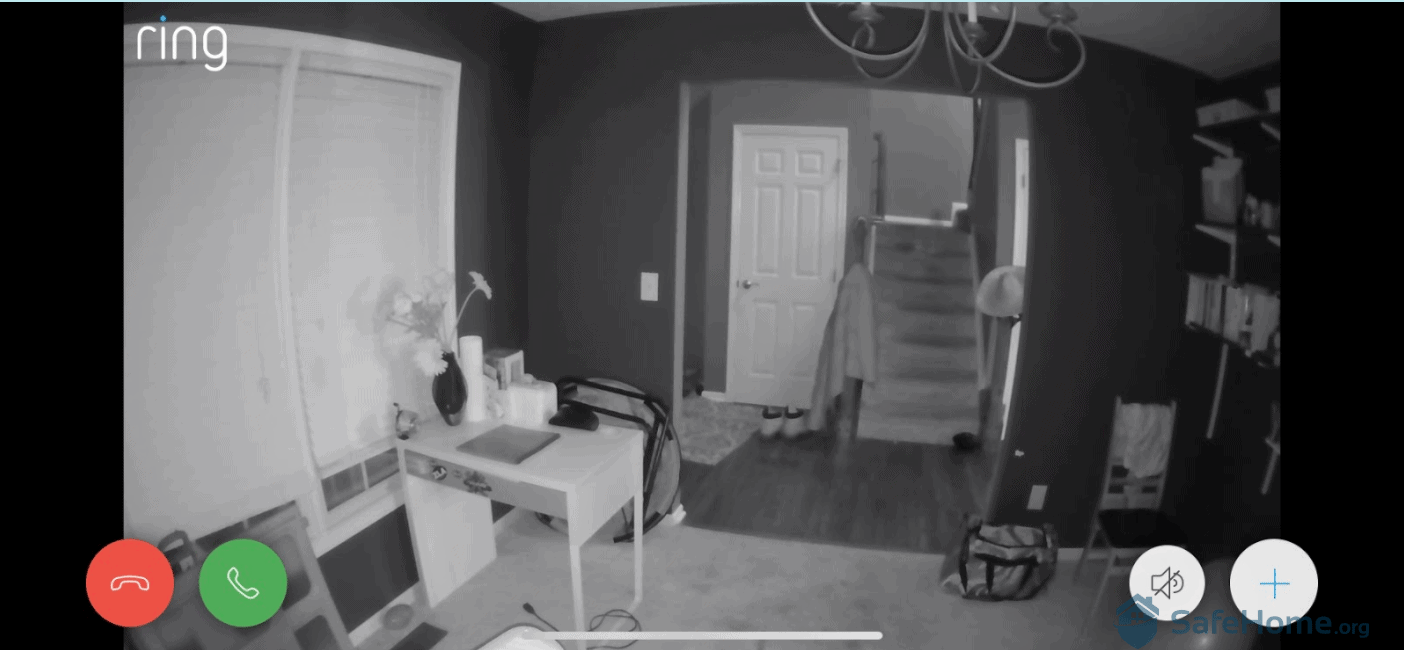
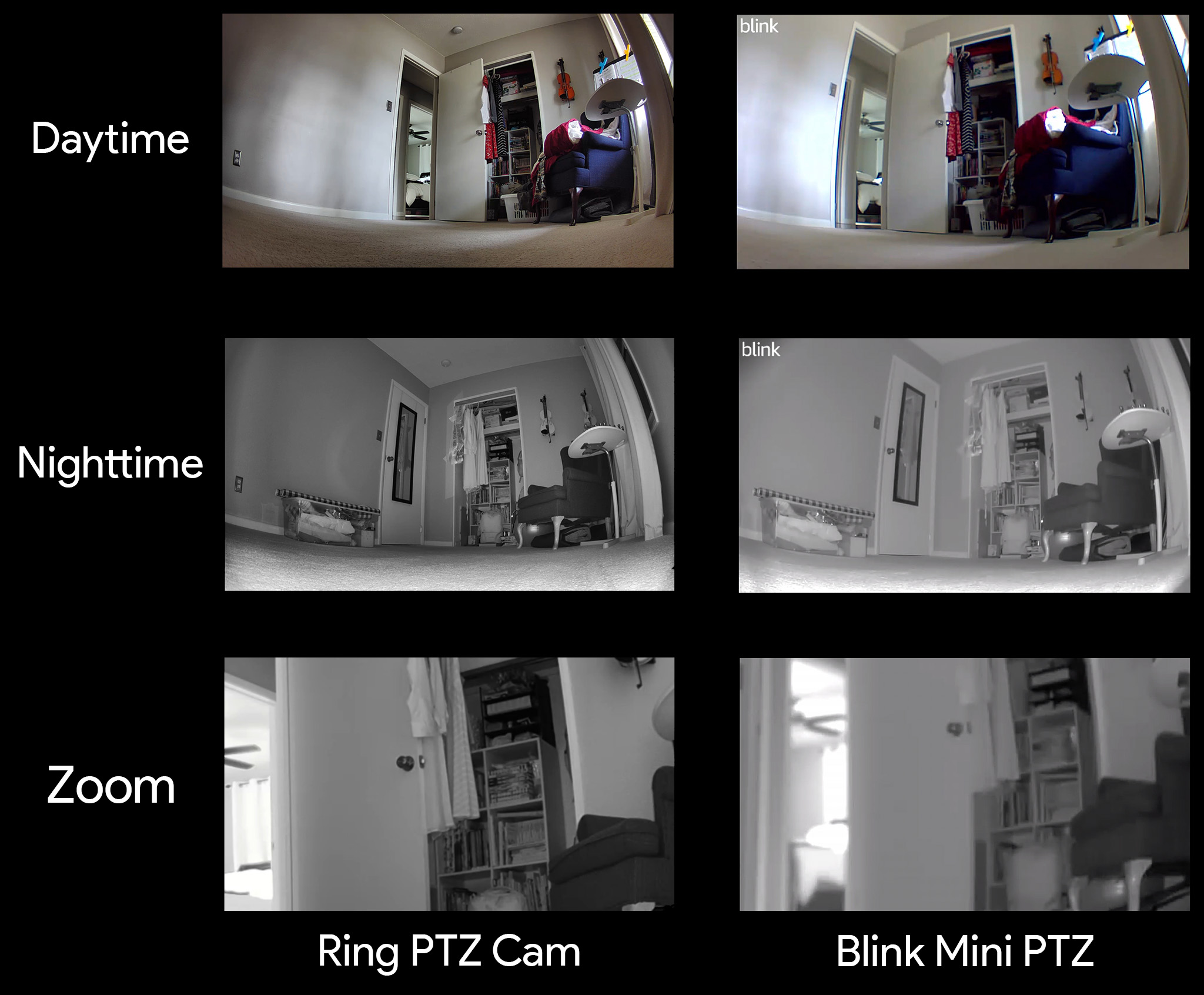
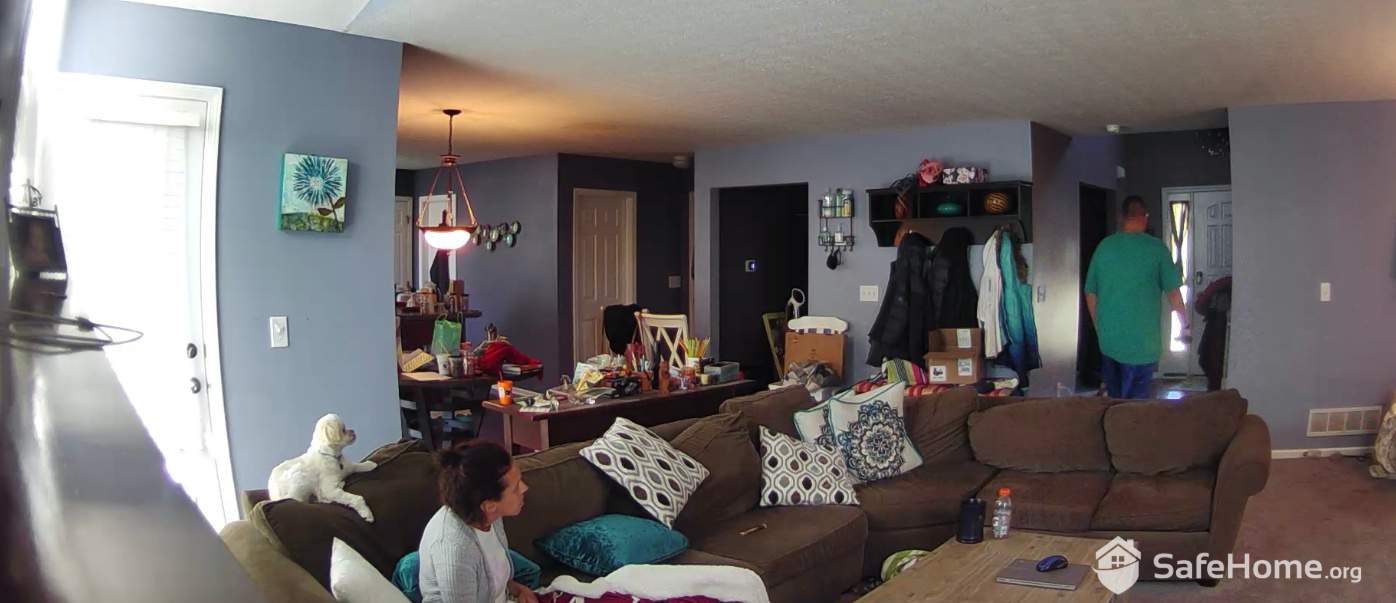
When you compare Ring camera vs Blink camera on image detail, Ring leads. Blink stays good enough for most daylight scenes.
Video and optics:
- Ring cameras range from 1080p to higher, with HDR on many models. The Doorbell Pro 2 offers head-to-toe view for full body framing.
- Blink is 1080p across most models. It is clear in daylight, softer at night.
Night vision and lights:
- Ring spotlights and floodlights add color night video and better motion range.
- Blink uses IR night vision on most units. Newer floodlight options exist, but are simpler.
Audio:
- Ring mics and speakers are strong. I get clearer talk-through at the door.
- Blink audio is fine in quiet spots. Wind and street noise can be a challenge.
If you need face detail at a distance, Ring is the safer bet. For short porch views and small yards, Blink works well.
Power and installation
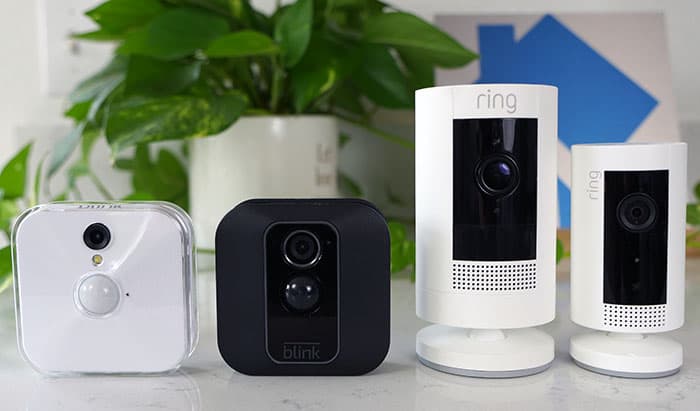
Ring camera vs Blink camera also differs in how you power each device.
Power options:
- Ring offers battery, wired, and even PoE on select models. Solar addons help in sunny spots.
- Blink focuses on battery power. Many models run up to two years on AA lithium cells with light use.
Install tips from the field:
- For Ring doorbells, wired power is best for stable video and faster alerts.
- For Blink, mount within strong Wi‑Fi range and tune motion zones to save battery.
- Use wedge kits to angle doorbells toward faces, not cars.
I have a Blink Outdoor that still runs past a year on one set of batteries. My Ring Spotlight Cam is wired so I can use lights and avoid charging.
Smart features and motion alerts
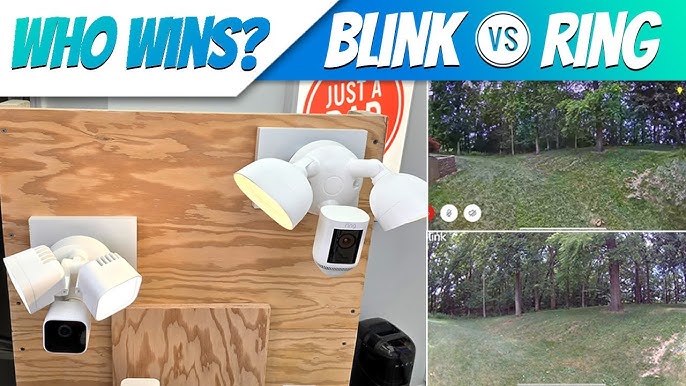
When you compare Ring camera vs Blink camera for smart features, Ring offers more AI and richer alerts.
Detection and alerts:
- Ring supports person detection, package alerts, and rich notifications with previews. Many features need a Ring Protect plan.
- Blink offers motion detection across all models. Newer models like Outdoor 4 add person detection with a subscription.
Smart responses:
- Ring has Quick Replies on select doorbells. Visitors can hear preset messages.
- Blink keeps it simple. You get motion clips, live view, and basic zones.
In my tests, Ring’s smart alerts cut false alarms by a lot on a busy street. Blink is fine in calmer areas with fewer cars and pets.
App experience and smart home integration
Ring camera vs Blink camera both live inside the Amazon ecosystem, but the apps feel different.
Apps:
- The Ring app is full-featured. You can set modes, schedules, and advanced motion tools.
- The Blink app is simple. Setup is fast and settings are easy for first-time users.
Voice and displays:
- Both work with Alexa. You can say, “Alexa, show the front door,” on Echo Show.
- Neither brand supports Apple HomeKit or Google Assistant natively.
Automation:
- Ring supports more camera types, lights, and doorbells under one roof. Routines with Alexa are smooth.
- Blink supports Alexa routines but with fewer triggers and actions.
If you want a wide smart home stack, Ring scales better. If you want quick setup and a clean app, Blink is great.
Storage, privacy, and security
Ring camera vs Blink camera both use encryption and two-factor login. But their storage paths differ.
Cloud and local:
- Ring cloud recording needs a plan. Some models support Ring Edge local video with Ring Alarm Pro and a microSD card.
- Blink can store clips locally with the Sync Module 2 and a USB drive. No monthly fee needed if you go local.
Privacy and controls:
- Both brands support two-factor authentication through your Amazon account.
- Ring offers optional end-to-end encryption on select devices for videos. Features may be limited when E2EE is on.
- Blink encrypts data in transit and at rest in the cloud. Local USB clips are saved to your drive.
Law enforcement:
- Ring ended the public police request tool in the Neighbors app. Both brands may share data only with valid legal requests.
- You can manage sharing, delete clips, and set retention in the apps.
For privacy-first setups, Blink’s local storage is the easiest route. For advanced features with stronger AI, Ring leads but leans on the cloud.
Real-world picks and scenarios
Here is how I match Ring camera vs Blink camera to common needs.
For renters and first homes:
- Pick Blink Outdoor or Blink Video Doorbell. Low cost, easy install, no wires.
- Use a Sync Module 2 with a USB drive to avoid monthly fees.
For busy homes and large lots:
- Pick Ring Spotlight Cam Pro or Ring Floodlight Cam. Clear video, HDR, strong lights.
- Add a Ring Video Doorbell Pro for fast alerts and head-to-toe view.
For long battery life:
- Blink Outdoor 4 is hard to beat. Tune activity zones and clip length to extend life.
For smarter alerts:
- Ring with a Protect plan reduces false alarms. Package alerts help with deliveries.
What I use now:
- Ring at my main home for streets and deliveries.
- Blink at a vacation cabin where I care more about simple motion clips and a long-lasting battery.
Step-by-step buying checklist
Use this short plan to choose between Ring camera vs Blink camera.
- Map your key views. Front door, driveway, yard, and inside halls.
- Check power. If you can wire, Ring shines. If not, Blink saves effort.
- Set your budget. Include mounts, lights, and 1–3 years of storage.
- Decide storage. Prefer local? Blink with Sync Module 2 is easy.
- Test Wi‑Fi. Use 2.4 GHz for range. Consider a mesh node near cameras.
- Start small. Buy one camera, test motion, then expand.
Frequently Asked Questions of Ring camera vs Blink camera
Is Ring better than Blink for most homes?
Ring is better for advanced features, stronger lights, and clearer video. Blink is better for simple setups and low cost.
Can I use Ring or Blink without a subscription?
Blink can record locally with a Sync Module 2 and USB drive. Ring needs a plan for most recording features unless you use Ring Edge with extra hardware.
Which has longer battery life, Ring or Blink?
Blink typically lasts longer, often many months to around two years with light use. Ring battery life varies more due to lights, HDR, and frequent alerts.
Do Ring and Blink work with Alexa?
Yes, both work well with Alexa and Echo Show displays. You can view live feeds and build basic routines.
Which is better for apartments, Ring camera vs Blink camera?
Blink is easier in rentals thanks to simple mounts and low cost. Ring fits best if you can wire a doorbell and want richer alerts.
Are Ring or Blink cameras private and secure?
Both use encryption and two-factor login. You control clip sharing and can set retention limits in the apps.
Can I mix Ring and Blink in one home?
Yes, but they use separate apps. Both still work with Alexa for voice and screen control.
Conclusion
Ring camera vs Blink camera is a choice between power and price. If you want smart alerts, stronger lights, and room to grow, choose Ring. If you want the best value and easy installs, choose Blink.
Match the brand to your space, power, and budget. Start with one camera, test it for a week, and then build your system with confidence. If this helped, share it with a friend, subscribe for more guides, or drop your question in the comments.