Two-way audio lets you talk back; one-way audio only lets you listen.
If you want to make the right choice on Two-way audio vs one-way audio camera, you are in the right place. I help families, renters, and small businesses pick smart camera gear every week. This guide breaks down features, cost, setup, and real use. I will show where each type shines, and where it does not. Read on to make a choice you will not regret.

What two-way and one-way audio mean in security cameras
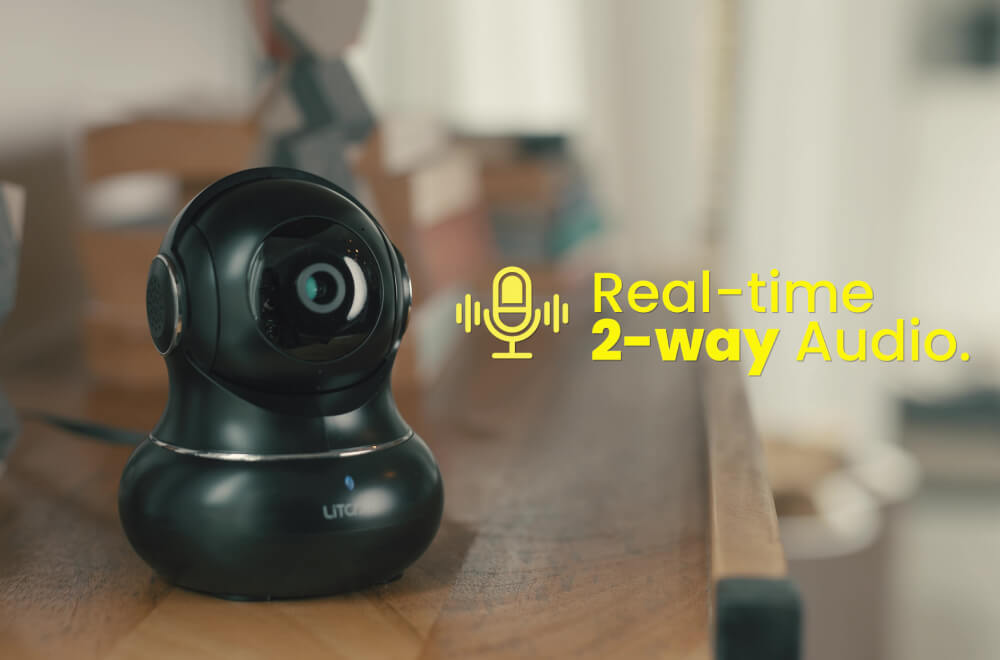
Two-way audio means the camera has a mic and a speaker. You can hear and talk in real time through an app. It feels like a simple walkie-talkie, or even a phone call. Some models do full-duplex, so both sides talk at once.
One-way audio means the camera only has a mic. You can listen, but you cannot speak back. It captures sound for context, alerts, or evidence.
I compare Two-way audio vs one-way audio camera often in home visits. Each has clear wins. Your daily needs should guide your pick, not hype.
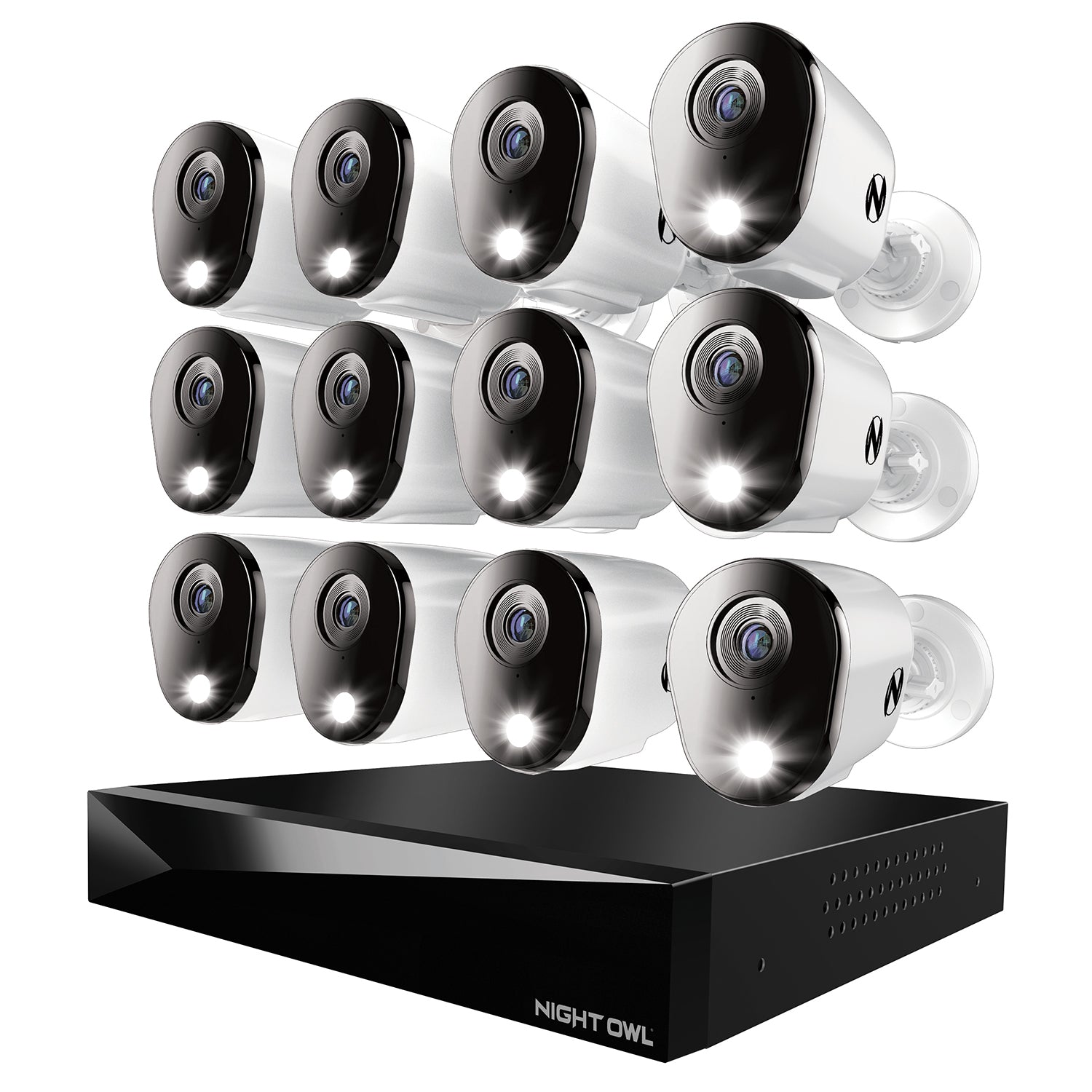
Pros and cons: Two-way audio vs one-way audio camera
Two-way audio pros:
- Talk to guests, couriers, kids, or staff in real time.
- Deter intruders with your voice on the spot.
- Calm pets when they bark or pace.
- Give directions to contractors or delivery drivers.
Two-way audio cons:
- More parts, so more that can fail.
- Needs better Wi-Fi for clean talk.
- Can raise privacy and consent risks.
- Speaker quality can vary a lot.
One-way audio pros:
- Simple, stable, and cheaper on average.
- Better battery life on wire-free cams.
- Lower privacy risk without a speaker.
- Great for evidence and sound alerts.
One-way audio cons:
- No live talk-back for help or coaching.
- Weak at deterrence in the moment.
- Not ideal for elder care check-ins.
If you compare Two-way audio vs one-way audio camera point by point, you see trade-offs. Your use case sets the winner.

When two-way audio is worth it, and when one-way is enough
Best fits for two-way audio:
- Front door and porch. You can guide a delivery or warn a porch pirate.
- Small shops. Greet customers or coach staff from the back room.
- Parents and caregivers. Reassure a child or elder fast.
- Pet owners. Soothe pets or give a short cue.
Best fits for one-way audio:
- Driveway or yard cams. You mainly need alerts and proof.
- Rental units. Simpler gear lowers risk and cost.
- Remote sites with weak Wi-Fi. Fewer voice drops and less lag.
From my field work on Two-way audio vs one-way audio camera setups, I learned one key rule. If you need live influence, pick two-way. If you need quiet proof, one-way is fine.
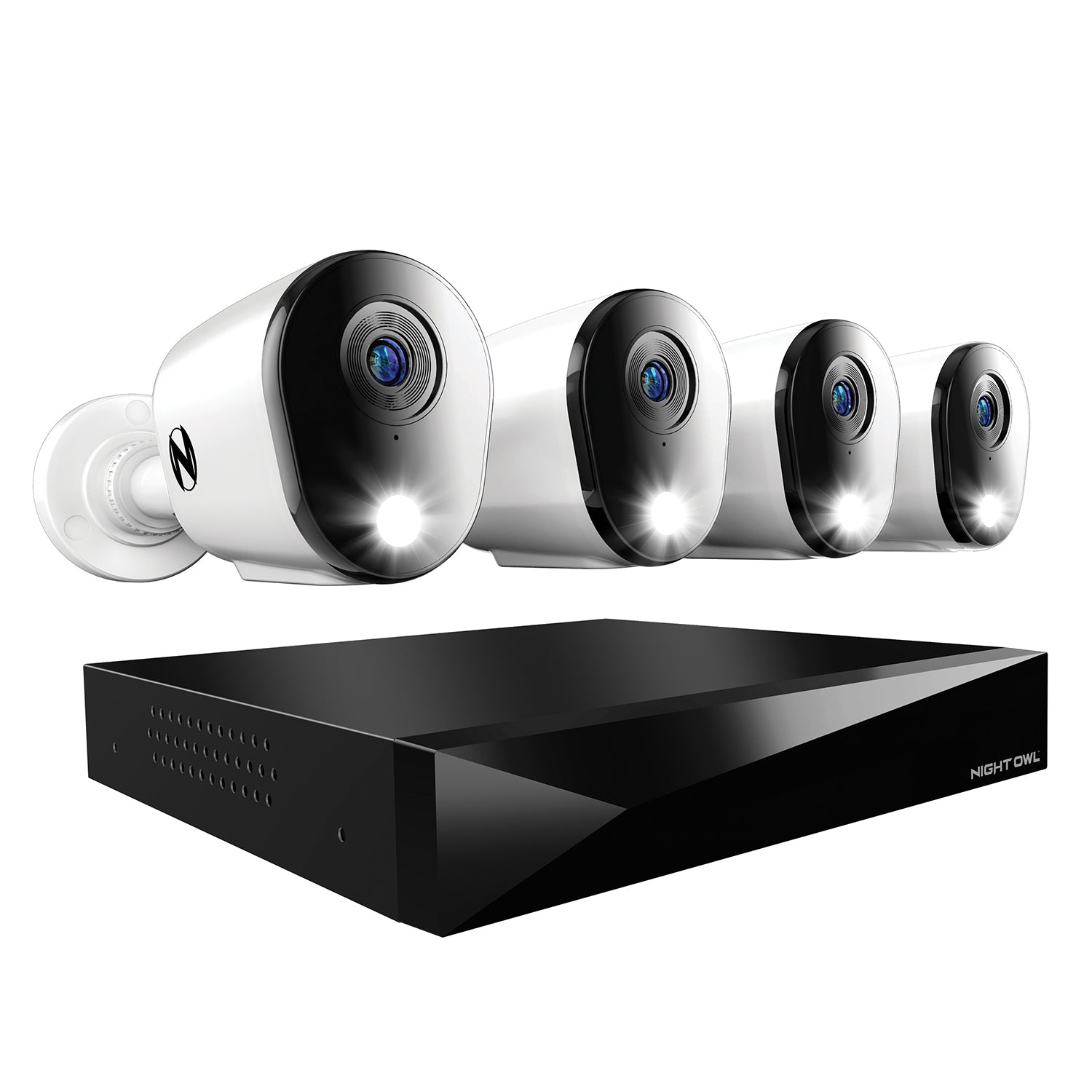
Audio quality and tech that matter
Sound is more than a mic and a speaker. Look for:
- Mic placement. Front-facing mics hear voices better than wind.
- Noise reduction. DSP and wind filters cut hiss and traffic hum.
- Echo cancel. Stops your voice from looping back.
- Full-duplex vs push-to-talk. Full-duplex feels like a call. Push-to-talk is slower.
- Speaker size. Larger drivers sound clear and loud at the door.
- Bitrate and Wi-Fi. Voice needs steady bandwidth for clean talk.
I test Two-way audio vs one-way audio camera models with a fan and street noise. The best two-way units keep talk clear at the curb. Poor ones clip words or lag. A good rule: if the sample clip in the app sounds bad, trust your ears.
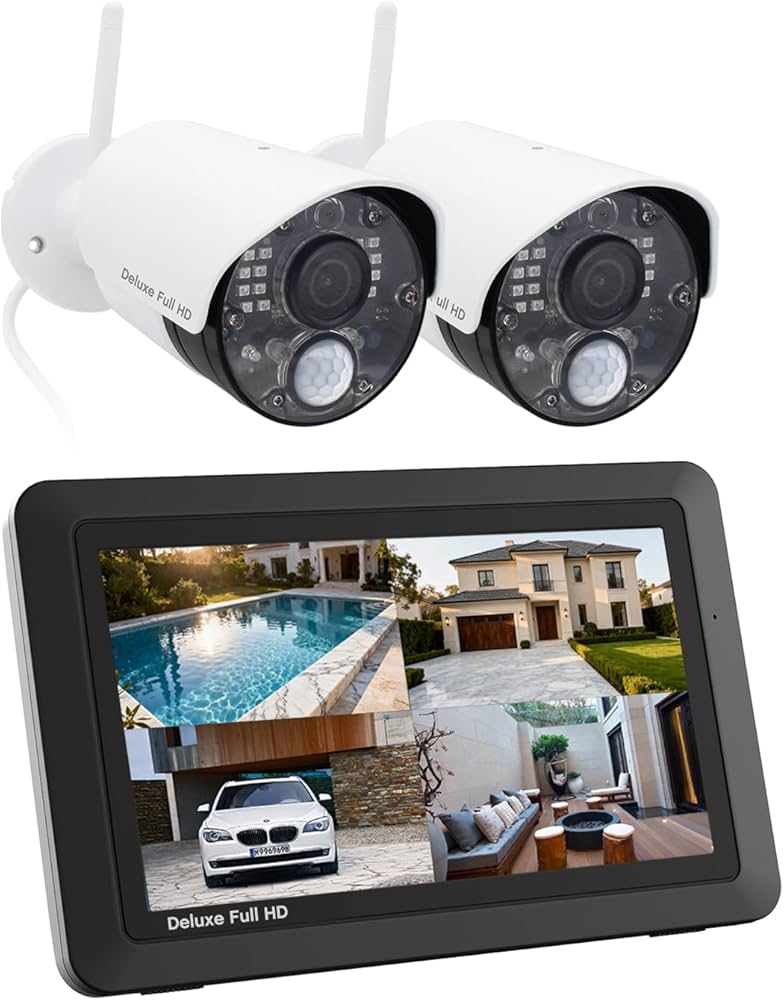
Setup, apps, and integrations
Smooth setup saves time and stress:
- Place the cam at head height for better voice pickup.
- Use 2.4 GHz Wi-Fi for range, or PoE for rock-solid links.
- In the app, set mic gain and speaker volume. Do a walk test.
- Enable call notifications for door cams with two-way audio.
- Use local storage for quick access, and cloud for backup.
- Check support for Google Home, Alexa, HomeKit, or RTSP.
On Two-way audio vs one-way audio camera integrations, both types add to a smart home. But two-way shines with smart doorbells and hubs. Quick voice access in the app is key. Fewer taps, better use.
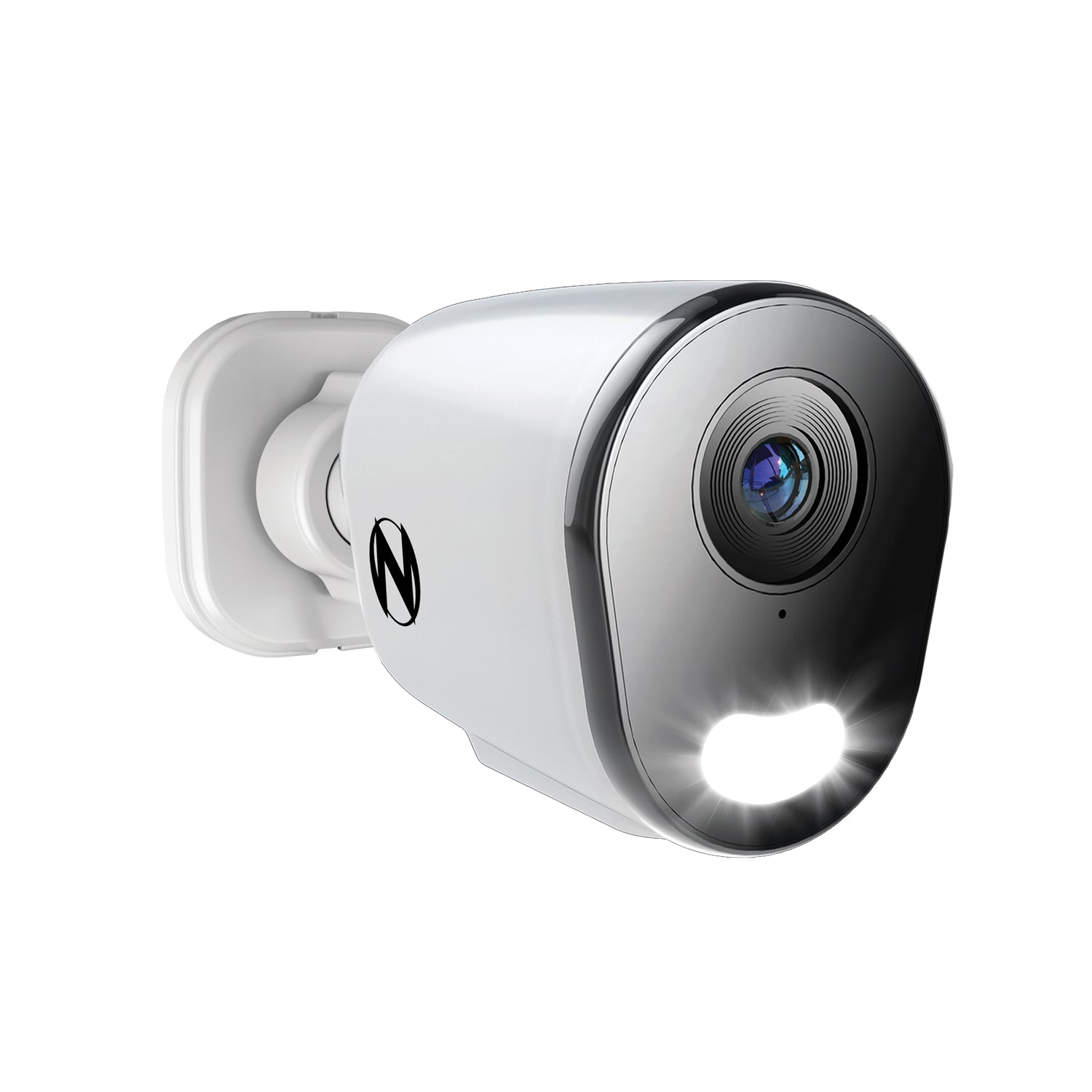
Privacy, consent, and legal notes
Audio laws vary by state and country. Some places need two-party consent to record voices. Post a notice at entries when you can. Tell guests and workers if audio is on.
Use privacy zones and schedules. Mute the speaker during quiet hours. Keep firmware updated. Review logs and test your mic alerts. With Two-way audio vs one-way audio camera choices, be open and fair. That builds trust at home and work.
I am not a lawyer. Check your local rules before you record audio.
Costs and long-term value
Price ranges I see in the field:
- One-way indoor cams: lower cost. Good for tight budgets.
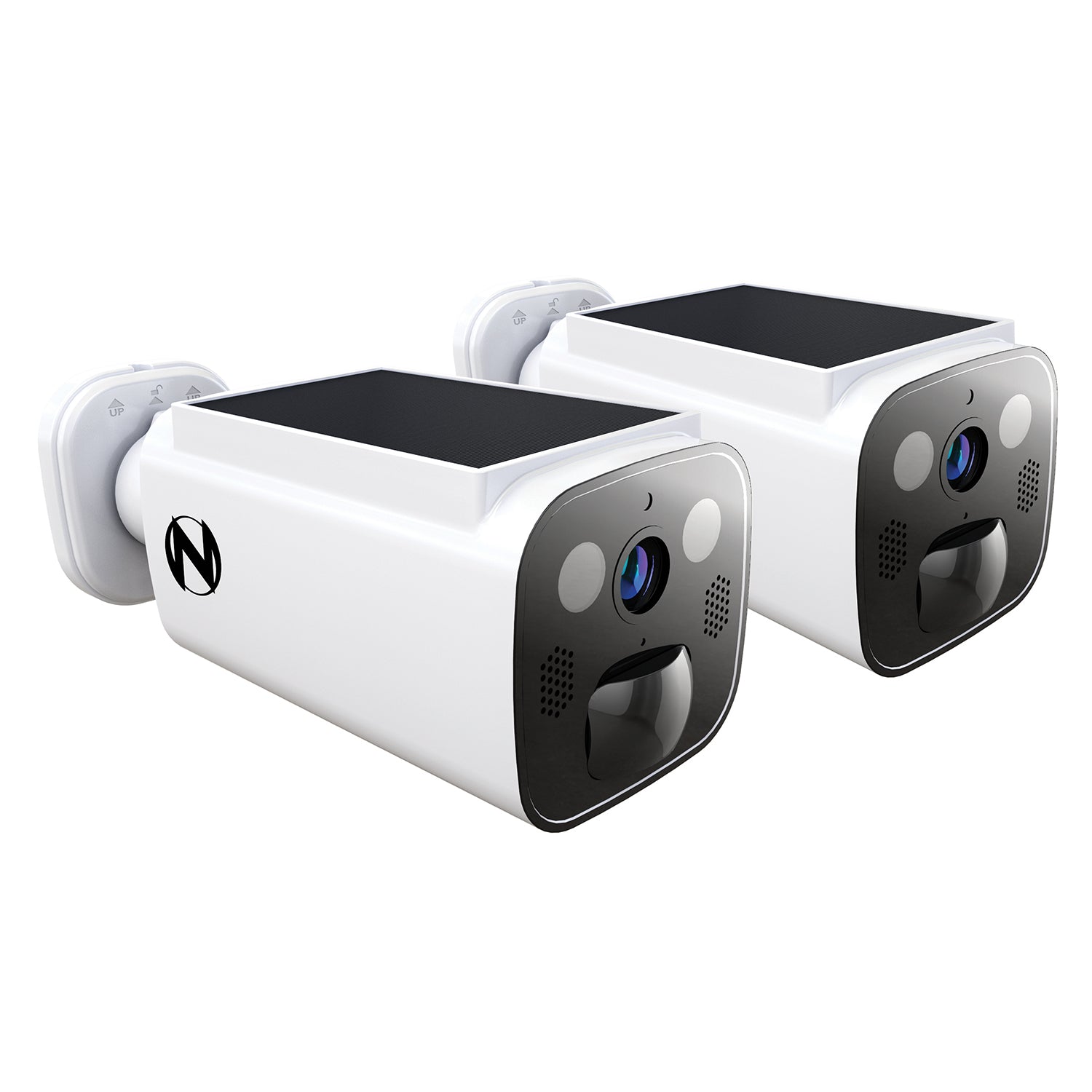
- Two-way doorbells and outdoor cams: mid to higher cost.
- Pro-grade with full-duplex and PoE: highest cost.
Watch the total cost of ownership:
- Subscriptions for cloud video and smart alerts.
- Power use and battery swaps for wire-free units.
- Time cost to manage clips and alerts.
Think about Two-way audio vs one-way audio camera over two to three years. If talk-back saves one missed package a month, two-way often pays for itself. If you only need proof, one-way saves cash.
Testing and troubleshooting tips
Quick tests I run on installs:
- Do a hello test at three distances. Door, walkway, curb.
- Turn on a fan or play street sounds. Check clarity.
- Try push-to-talk and full-duplex modes if offered.
- Call from mobile data and from Wi-Fi. Compare lag.
- Record a clip. Play it back on a phone and a laptop.
Fixes for common issues:
- Muffled voice. Clean the mic port and check the mount.
- Echo. Lower volume or move the cam off hard walls.
- Drops. Improve Wi-Fi, add mesh, or use PoE.
- Wind roar. Use a foam windscreen or shield the mic.
These steps make Two-way audio vs one-way audio camera tests fair and repeatable. Keep a short log of your results.
Quick comparison cheat sheet
If you are still torn, ask:
- Do I need to talk back right now? Choose two-way.
- Do I only need to hear and record? Choose one-way.
- Is Wi-Fi weak or shared? One-way is safer.
- Do I want a better deterrent? Two-way wins.
- Am I strict on privacy? One-way lowers risk.
Use this lens for any Two-way audio vs one-way audio camera you review. Your daily habits should drive the pick, not specs alone.
Frequently Asked Questions of Two-way audio vs one-way audio camera
Is two-way audio safe to use at home?
Yes, when used with care. Share a clear notice, set privacy zones, and keep firmware updated.
Does two-way audio use more bandwidth than one-way?
A bit more during live talk. The difference is small when idle, but it can spike while you speak.
Can I turn off the speaker on a two-way camera?
Most apps let you mute the speaker or mic. Set a schedule to keep nights quiet.
Is one-way audio enough for a front door?
It works for alerts and proof. But two-way audio helps guide deliveries and deter trouble fast.
Do battery cameras handle two-way audio well?
They can, but voice drains power faster. Keep sessions short and check your battery plan.
Will two-way audio work with smart assistants?
Many brands support Alexa, Google, or HomeKit. Check the spec sheet for your exact model.
What makes audio sound bad on cameras?
Wind, echo, weak Wi-Fi, and cheap speakers. Good placement and noise filters fix most of it.
Conclusion
You now have a clear map for Two-way audio vs one-way audio camera. Two-way gives you control in the moment. One-way gives you simple, steady insight. Match the tool to your daily life, your space, and your comfort with privacy.
Take one action today. List your top three needs and test a camera against them this week. Want more tips like this? Subscribe, ask a question, or share your setup story with the community.